1
Sac State Risk Management Services
Users Guide
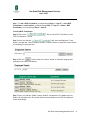
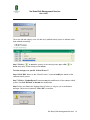
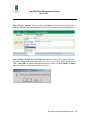
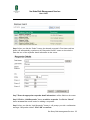
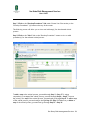
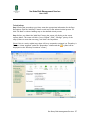
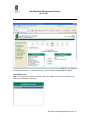
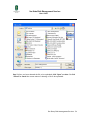
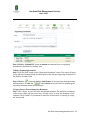
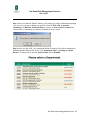
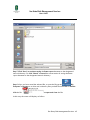
Step 4. After you clicked the “Look Up” button, enter the Employee’s “Last Name” and
click the “Search” button. Or click the “Cancel” button to cancel the current action of
searching for the employee. (For example, “romero”)
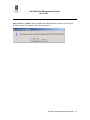
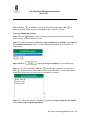
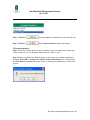
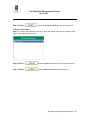
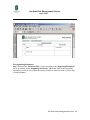
Step 5. Click the “
” button under the “Action” column to select the appropriate
personnel as the new responder.
Sac State, Risk Management Services 21