1
User Manual of Network Video Recorder
10.2 Behavior Search
Purpose:
The behavior analysis detects a series of suspicious behavior based on VCA detection, and certain linkage methods
will be enabled if the alarm is triggered.
Steps:
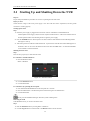
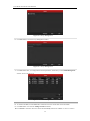
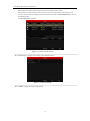
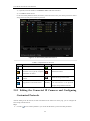
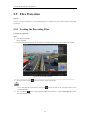
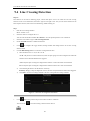
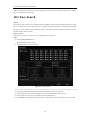
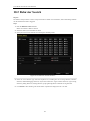
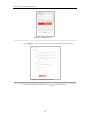
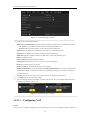
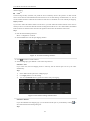
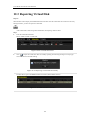
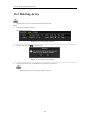
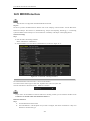
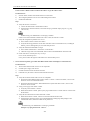
1. Enter the Behavior Search interface.
Menu>VCA Search> Behavior Search
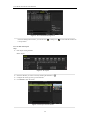
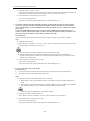
2. Select the camera (s) for the behavior search.
3. Specify the start time and end time for searching the matched pictures.
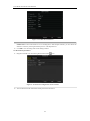
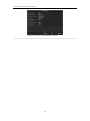
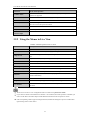
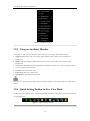
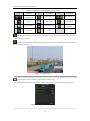
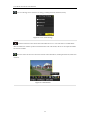
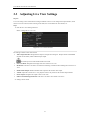
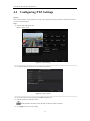
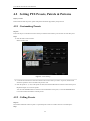
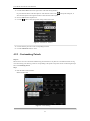
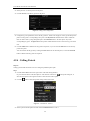
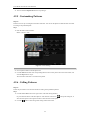
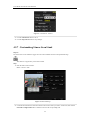
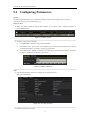
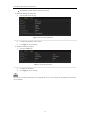
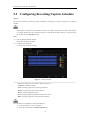
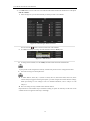
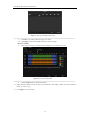
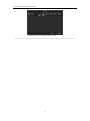
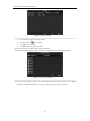
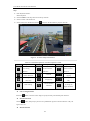
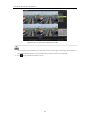
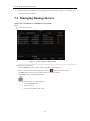
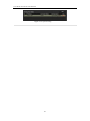
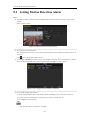
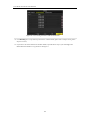
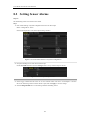
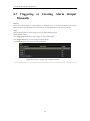
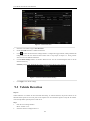
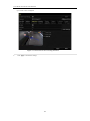
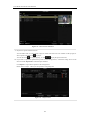
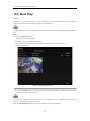
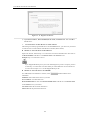
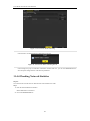
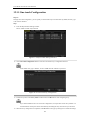
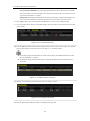
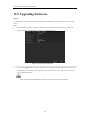
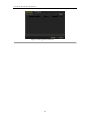
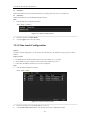
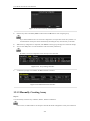
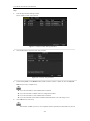
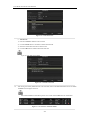
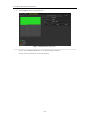
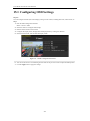
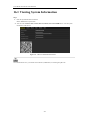
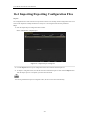
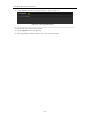
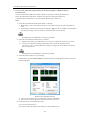
Figure 10. 4 Behavior Search Interface
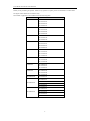
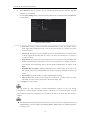
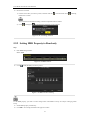
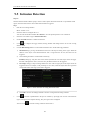
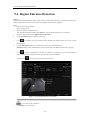
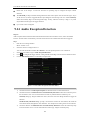
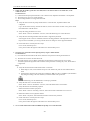
4. Select the VCA detection type from the dropdown list, including the line crossing detection, intrusion
detection, unattended baggage detection, object removal detection, region entrance detection, region exiting
detection, parking detection, loitering detection, people gathering detection and fast moving detection.
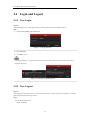
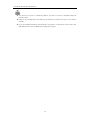
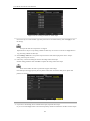
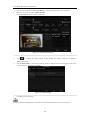
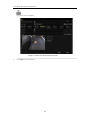
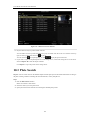
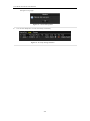
5. Click Search to start searching. The search results of pictures are displayed in list or in chart.
153