1
User Manual of Network Video Recorder
5.9 Files Protection
Purpose:
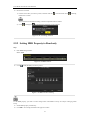
You can lock the recording files or set the HDD property to Read-only to protect the record files from being
overwritten.
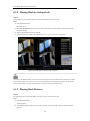
5.9.1 Locking the Recording Files
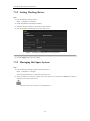
Lock File when Playback
Steps:
1. Enter Playback interface.
Menu> Playback
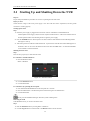
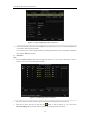
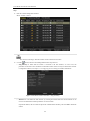
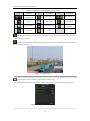
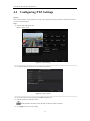
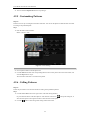
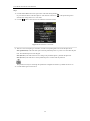
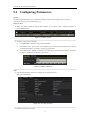
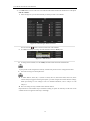
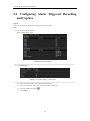
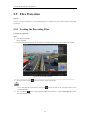
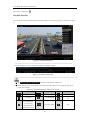
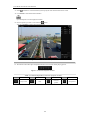
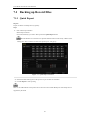
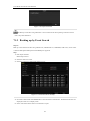
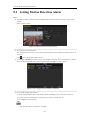
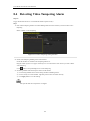
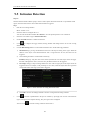
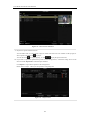
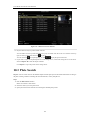
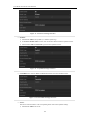
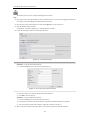
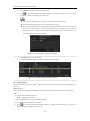
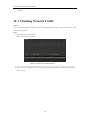
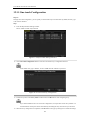
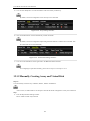
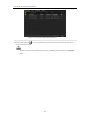
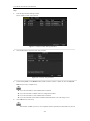
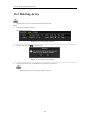
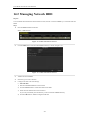
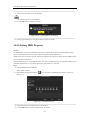
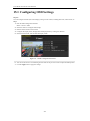
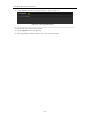
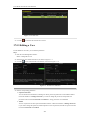
2. Check the checkbox of channel(s) in the channel list and then double-click to select a date on the calendar.
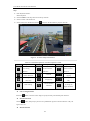
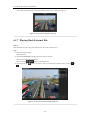
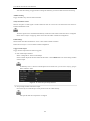
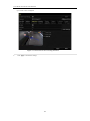
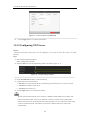
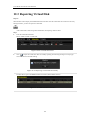
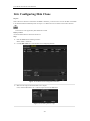
Figure 5. 29 Normal Playback
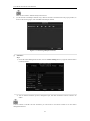
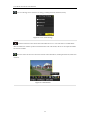
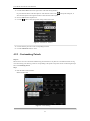
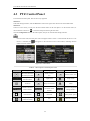
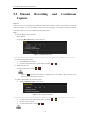
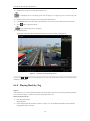
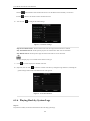
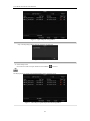
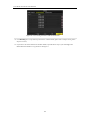
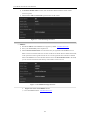
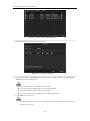
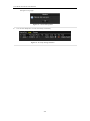
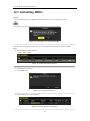
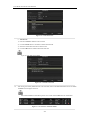
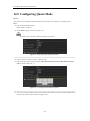
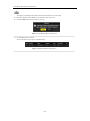
3. During playback, click the
button to lock the current recording file.
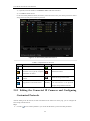
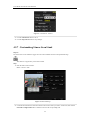
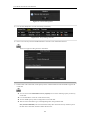
In the multi-channel playback mde, clicking the
playback channels.
button will lock all the record files related to the
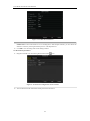
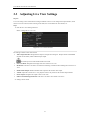
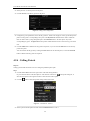
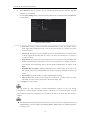
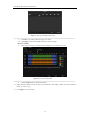
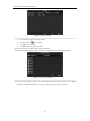
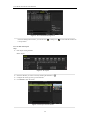
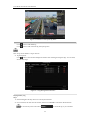
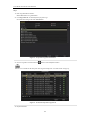
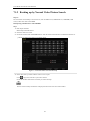
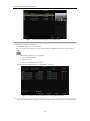
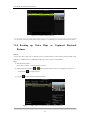
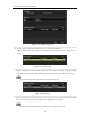
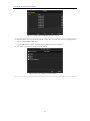
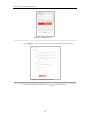
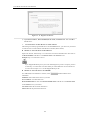
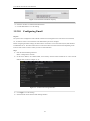
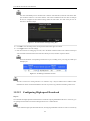
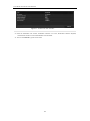
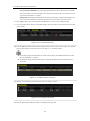
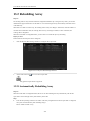
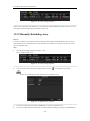
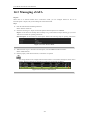
4. You can click the
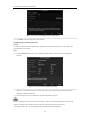
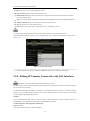
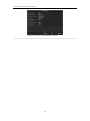
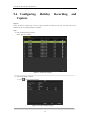
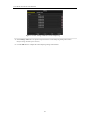
button to pop up the file management interface. Click the Locked File tab to check
and export the locked files.
89