1
Bluetooth Wireless Technology
Renaming a Bonded Device
If it is necessary to rename a bonded device, it can be done from the Bluetooth Bonded Devices
window.
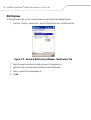
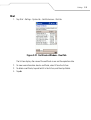
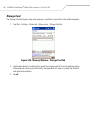
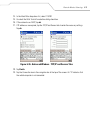
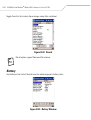
1. Tap Start - Settings - Connections tab - Bluetooth icon - Bonded Devices tab.
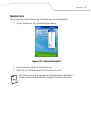
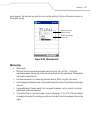
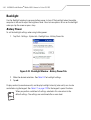
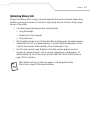
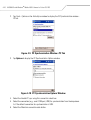
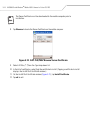
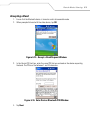
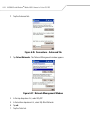
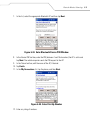
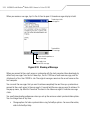
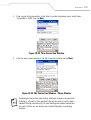
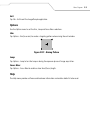
2. Tap and hold the device to rename. In the pop-up menu, select Rename.
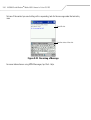
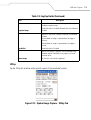
Figure 6-10. Rename Device Selection Dialog Box
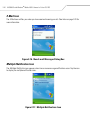
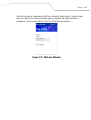
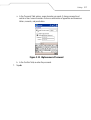
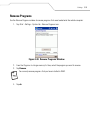
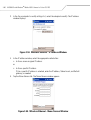
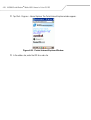
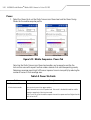
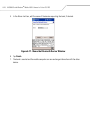
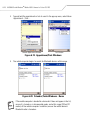
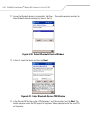
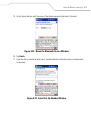
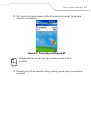
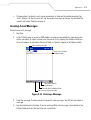
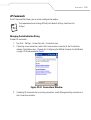
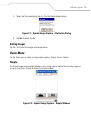
3. The Rename bonded device window appears.
Figure 6-11. Rename Bonded Device Window
6-11