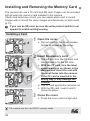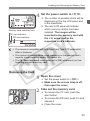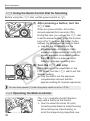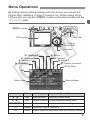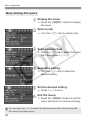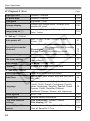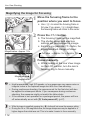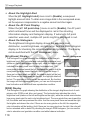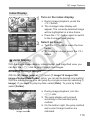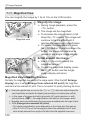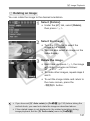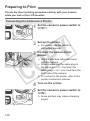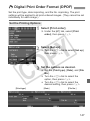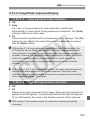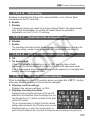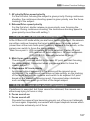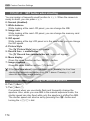
1
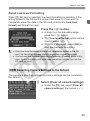
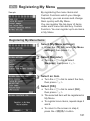
wPrinting
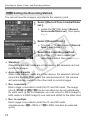
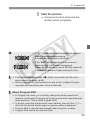
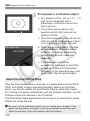
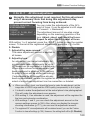
the date and file number
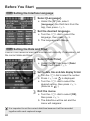
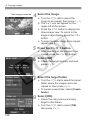
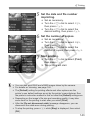
5 Set
imprinting.
Set as necessary.
Turn the <5> dial to select <I>,
then press <0>.
Turn the <5> dial to select the
desired setting, then press <0>.
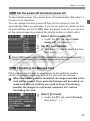
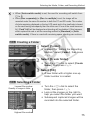
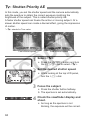
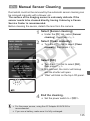
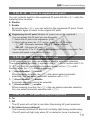
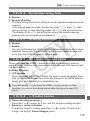
of copies.
6 SetSettheasnumber
necessary.
Turn the <5> dial to select <R>,
then press <0>.
Turn the <5> dial to select the
number of copies, then press <0>.
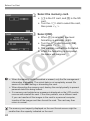
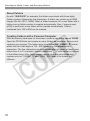
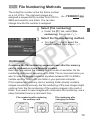
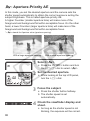
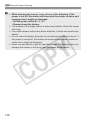
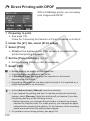
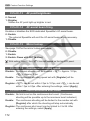
7 StartTurnprinting.
the <5> dial to select [Print],
then press <0>.
X The printing will start.
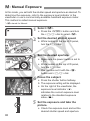
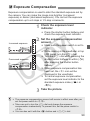
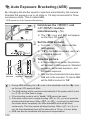
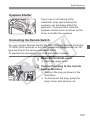
You can also print RAW and sRAW images taken by the camera.
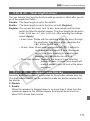
For details on trimming, see page 146.
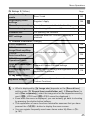
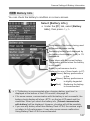
The [Default] setting for printing effects and other options are the
printer’s own default settings as set by the printer’s manufacturer. See
the printer’s instruction manual to find out what the [Default] settings are.
Depending on the image’s file size and recording quality, it may take
some time for the printing to start after you select [Print].
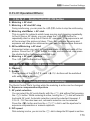
After the [Do not disconnect cable] message disappears, you can
disconnect the cable even during printing.
To stop the printing, press <0> while [Stop] is displayed, then select
[OK].
143