1
,-#Y$_)*"+$-#
B>A
(J5P2:7,/; LLLLLLLLLLLLLLLLLLLLLLLLLLLLLLLLLLLLLLLLLLLLLLLLLLLLLLLLLLLLLLLLLLLLLLLLLLLLLL
(&)'+/.,"!+&)
5
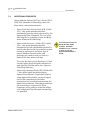
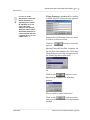
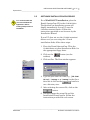
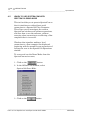
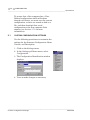
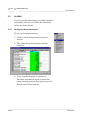
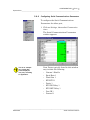
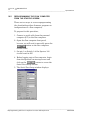
The options in the SpectraCom Settings menu
enables you to control how the Spectra100 uses
raw data, makes calculations, displays data,
allows users to log on, places data into Modbus
registers, and many other functions.
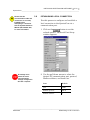
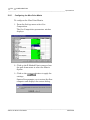
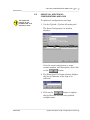
You can customize the current Spectra100
configuration with an identifying label,
including a name, version, and description that
suit your needs and standards. This label for
the configuration will be stored in the
Spectra100, along with all the other settings
and parameters that comprise the current
operating configuration.
The operating configuration of a Spectra100
flow computer is retained only by warm
starting the flow computer (see Section 3.5.1
for more information about warm starts).
When the flow computer is cold started (see
Section 3.6 for more information about cold
starts), the operating configuration, along with
any name, version, and description that may
have been included, will be lost. During a cold
start, the flow computer loads a default
configuration that can be either factory default
or a User-Defined configuration (see
Section 3.7.3 for more information regarding
Default and User-Defined configurations).
LLLLLLLLLLLLLLLLLLLLLLLLLLLLLLLLLLLLLLLLLLLLLLLLLLLLLLLLLLLLLLLLLLLLLLLLLLLLLLLLLLLLLLLLL
(%9 K@@@














































































![[U2.03.04] Notice d`utilisation pour des calculs](http://vs1.manualzilla.com/store/data/006355171_1-e4204e3f6eed19ac00fe22b1d72a0ea8-150x150.png)