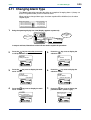
1
<Toc>
6.
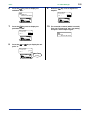
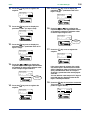
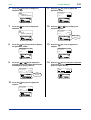
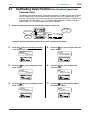
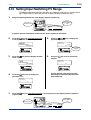
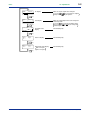
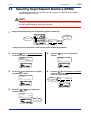
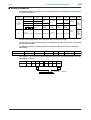
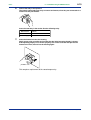
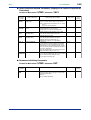
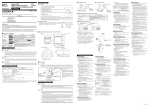
Press the
key once to display the
submenu “MD”.
SET/ENT
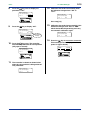
9.
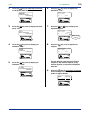
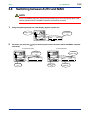
Press the
setpoint.
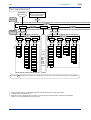
UT mode set
SETUP main menu
UTM
A/M
#1
SETUP
6
=
A/M
SET/ENT
SET/ENT
DISP
DISP
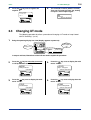
Press the
key once to display the
parameter “UTM”.
SET/ENT
MENU:UTMD/MD
UT mode select
UTM
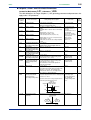
key once to register the
SET/ENT
MENU:UTMD/MD
UT mode select
MD
7.
2-5
<2. Initial Settings>
#1
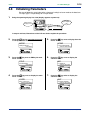
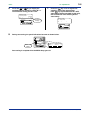
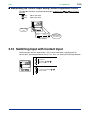
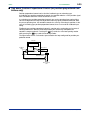
The controller re-starts (which is normal).
Then, set PV input type. See “2.4 Setting
PV Input 1 and PV Input 2 Types.”
IN
SETUP
1
=
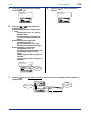
10.
input set
SETUP sub menu
A/M
SET/ENT
DISP
8.
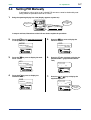
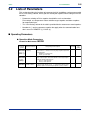
Press the
point “6”.
or
key to display the set-
MENU:UTMD/MD
UT mode select
UTM
#1
changing
6
=
Blinks during
change.
A/M
SET/ENT
DISP
IM 05D01B02-46E
1st Edition : May 31,2000-00