1
Galaxy GHDX4 iSCSI<>SAS/SATA 12Bay Installation / Hardware Reference Manual
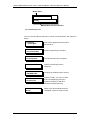
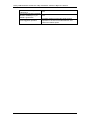
Name
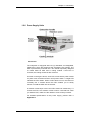
PWR
(Power)
BUSY
ATTEN
(Attention)
Color
Status
ON indicates t hat po wer is s upplied t o
the system, and system state is normal.
Blue
White
Red
OFF indicates t hat no power i s s upplied
to the system or the RAID controller has
failed.
FLASHING indicates that there is active
traffic on the host/drive channels.
OFF indicates that there is no activity on
the host/drive channels.
ON indicates that a component
failure/status event has occurred.
OFF indicates that the subsystem and all
its components are operating correctly.
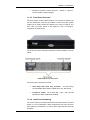
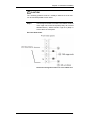
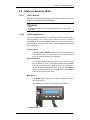
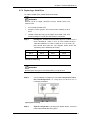
LCD Panel LED Definitions
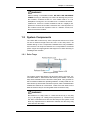
NOTE:
During t he po wer-on process, t he A TTEN LE D will l ight u p
steadily. Once the subsystem successfully boots up with no faults,
the ATTEN LED will turn off.
4.2.3
Drive Tray LEDs
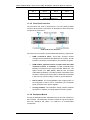
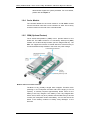
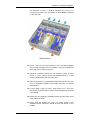
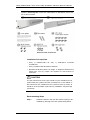
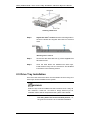
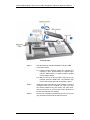
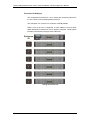
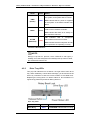
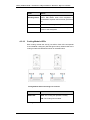
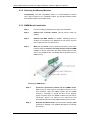
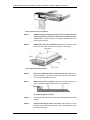
Two ( 2) LE D i ndicators ar e l ocated on t he r ight s ide of eac h dr ive
tray. When notified by a drive failure message, you should check the
drive t ray i ndicators t o f ind t he c orrect l ocation of t he f ailed dr ive.
Replacing t he wrong dr ive c an lead t o f ailure of two members o f a
logical array (RAID 3/5) and thus destroy data in it.
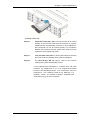
Drive Tray LEDs
Name
Drive Busy
4-4
Color
Status
Blue
FLASHING indicates dat a i s being