1
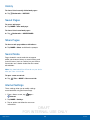
Date and Time Settings
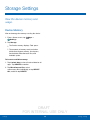
By default, your device receives
date and time information from
the wireless network.
When you are outside network
coverage, you may want to
set date and time information
manually using the date and time
settings.
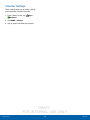
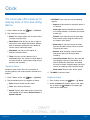
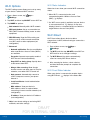
1. From a Home screen, tap
Settings.
Apps >
2. Tap Date and time.
3. Set the date, time, time zone, time format, and
date format.
DRAFT
FOR INTERNAL USE ONLY
Settings
101
Date and Time Settings