1
2.7
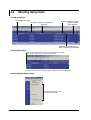
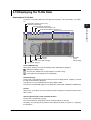
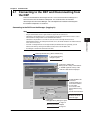
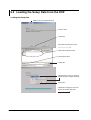
Printing the Data
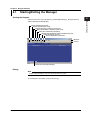
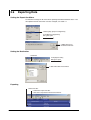
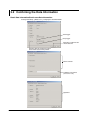
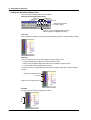
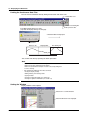
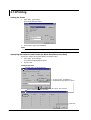
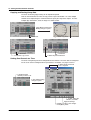
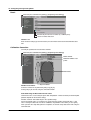
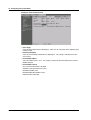
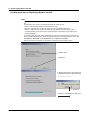
Setting the Printer
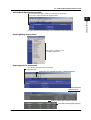
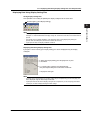
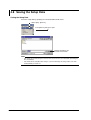
1.
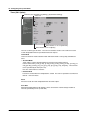
Select [File] - [Print Setup].
2.
Set the printer, paper and orientation.
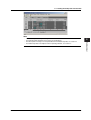
Note
Set the printer according to the environment of the system that you are using.
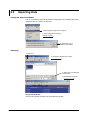
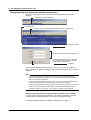
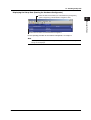
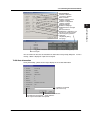
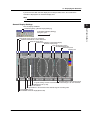
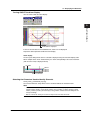
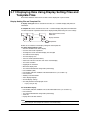
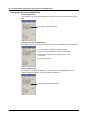
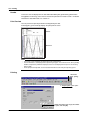
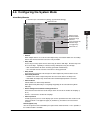
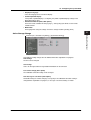
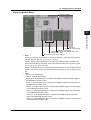
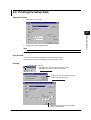
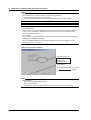
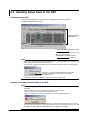
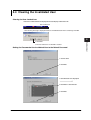
Print Preview
You can preview the print layout before actually printing the data.
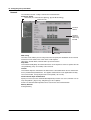
Selecting [File] - [Print Preview] displays the print preview screen.
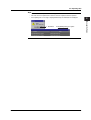
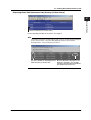
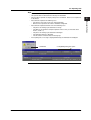
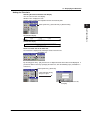
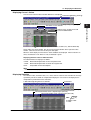
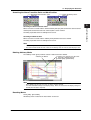
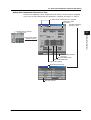
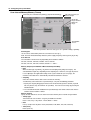
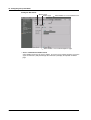
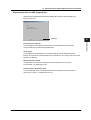
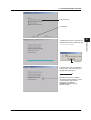
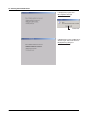
Printing
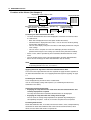
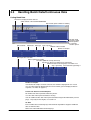
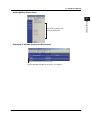
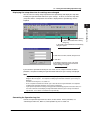
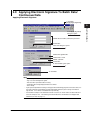
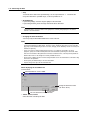
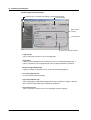
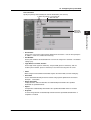
1. Click here ([File] - [Print]).
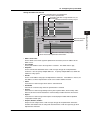
2. The [Print] dialog box opens.
Select the printer, print range,
the number of copies, and
click here.
2-14
IM 04L05A01-61E