1
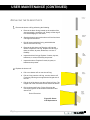
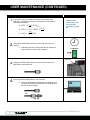
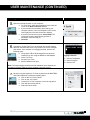
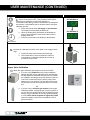
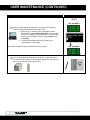
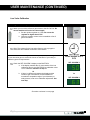
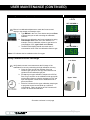
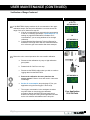
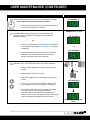
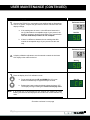
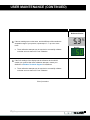
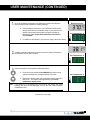
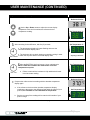
USER MAINTENANCE (CONTINUED) Calibrating the O2 Sensor (Continued) Upper Sample O2% = 20.7% SET OXYGEN % Enter an upper calibration adjustment to match the Set Oxygen % display to the upper calibration gas sample value. a. Enter the air or reference gas concentration into the BACTROX by typing UC2=sample value in the emulator window. For example, if your air sample or reference gas has an O2 concentration of 20.7%, type UC2=20.7 and press Enter. b. The BACTROX display should now match the O2 concentration of your sample. Note: UC2 indicates the upper calibration value for oxygen SET OXYGEN % Turn off and unplug the calibration kit air pump, or close the valve of the reference gas cylinder. Set the cylinder regulator to 0. Disconnect the pump or cylinder from the O2 Cal Port. / Procedure continued on next page 61 | P a g e