1
Connecting and Configuring your Router
Table of Contents
sections
1
2
3
4
5
6
7
8
9
10
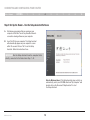
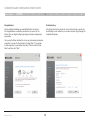
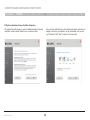
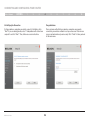
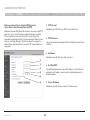
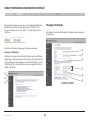
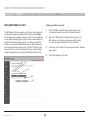
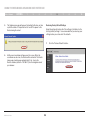
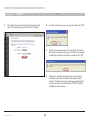
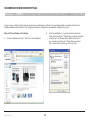
Congratulations
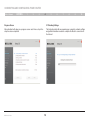
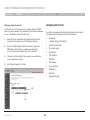
Troubleshooting
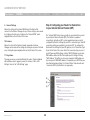
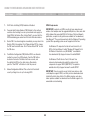
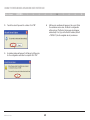
You have finished installing your new Belkin Router. You will see
the Congratulations screen when your Router can connect to the
Internet. You can begin surfing by opening your browser and going to
any website.
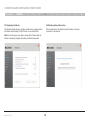
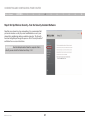
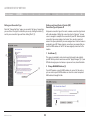
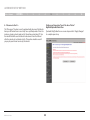
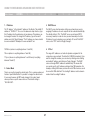
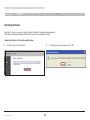
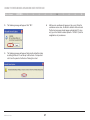
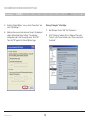
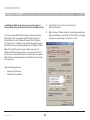
If the Setup Assistant is not able to connect to the Internet, you will see
the following screen. Follow the on-screen instructions to go through the
troubleshooting steps.
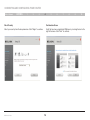
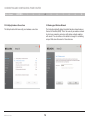
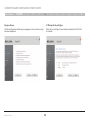
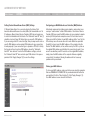
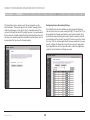
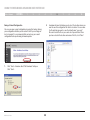
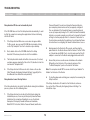
You can use the Setup Assistant to set up your other wired and wireless
computers to connect to the Internet by clicking “Next”. If you decide
to add computers to your Router later, select “Finish—return to Main
Menu” and then click “Next”.
N Wireless Router
19