1
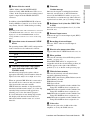
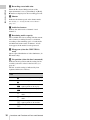
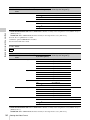
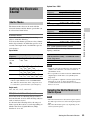
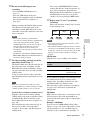
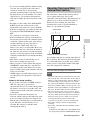
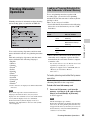
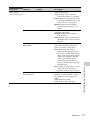
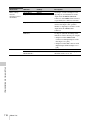
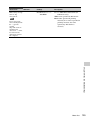
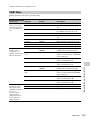
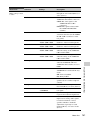
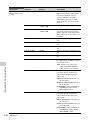
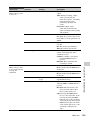
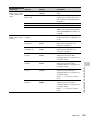
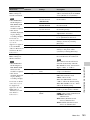
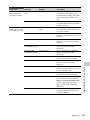
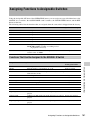
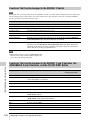
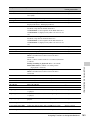
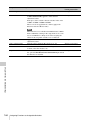
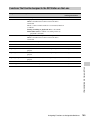
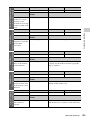
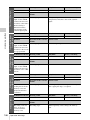
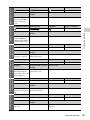
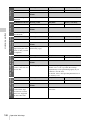
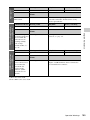
b) 59.94i after 2-3 pulldown is recorded
c) When the optional CBK-MD01 is installed
d) Converted to PsF and recorded
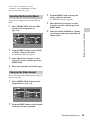
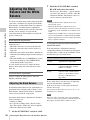
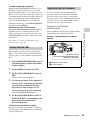
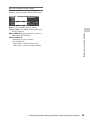
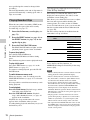
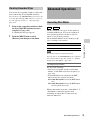
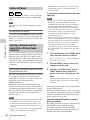
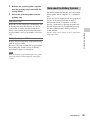
Selecting the Recording Mode
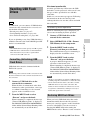
Select the recording mode between UDF and
FAT.
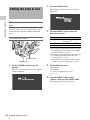
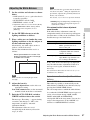
1
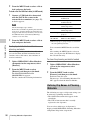
Turn the MENU knob to change the
setting, and press the knob.
A confirmation message appears.
4
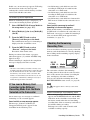
Select [Execute] to execute, or select
[Cancel] to cancel, and then press the
MENU knob.
5
When the setting of HD/SD or Country
was changed, power the camcorder off
and on again.
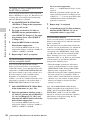
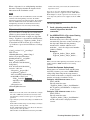
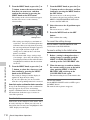
Turn the MENU knob to select [UDF]
or [FAT], and press the knob.
A confirmation message appears.
3
Select [Execute] to execute, or select
[Cancel] to cancel, and then press the
MENU knob.
4
Power the camcorder off and on again.
Chapter 3 Adjustments and Settings
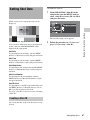
2
Select OPERATION >Format >File
System in the setup menu (see
page 114).
3
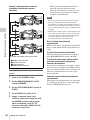
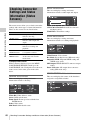
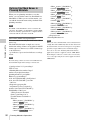
Changing the Video Format
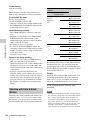
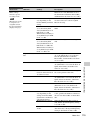
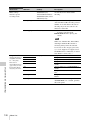
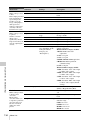
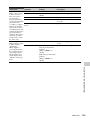
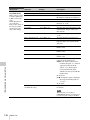
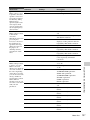
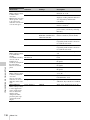
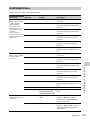
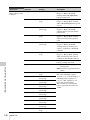
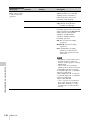
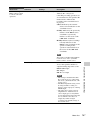
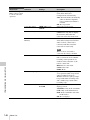
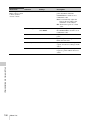
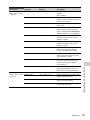
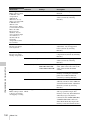
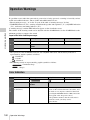
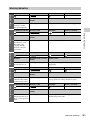
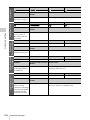
Refer to the above table and change the settings of
the relevant items.
1
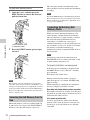
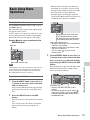
Select OPERATION >Format in the
setup menu (see page 114).
2
Turn the MENU knob to select the item
to change, and press the knob.
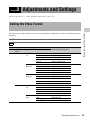
Setting the Video Format
55