1
Operating Basics
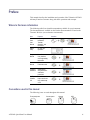
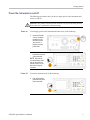
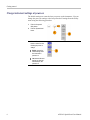
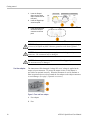
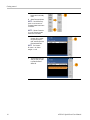
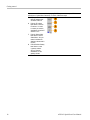
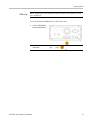
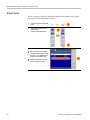
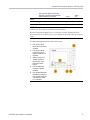
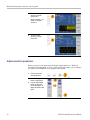
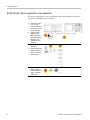
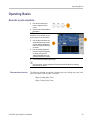
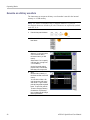
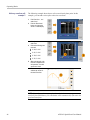
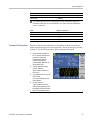
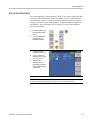
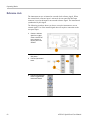
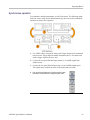
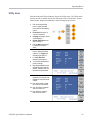
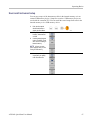
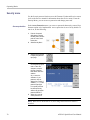
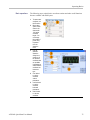
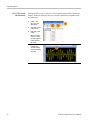
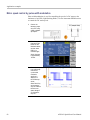
To set sweep parameters, do the following:
1.
Select a waveform
and then push the
front-panel Sweep
button.
NOTE. Pulse, DC, and
Noise waveforms cannot
be selected.
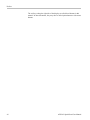
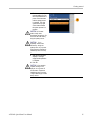
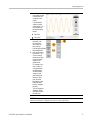
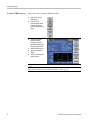
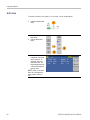
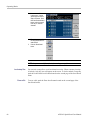
2.
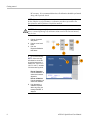
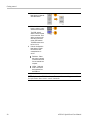
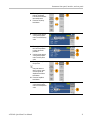
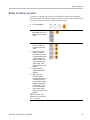
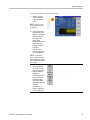
You can specify the
start frequency, stop
frequency, sweep time
and return time from
the sweep menu.
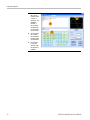
Return Time
represents the amount
of time from Stop
Frequency to Start
Frequency.
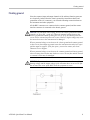
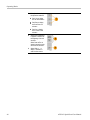
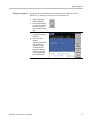
Push the -morebutton to display the
second sweep menu.
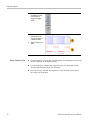
NOTE. If you want to
return to the Sweep menu
after selecting other menus,
push the front-panel Sweep
button again.
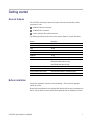
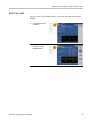
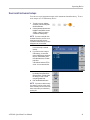
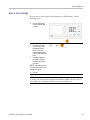
3.
AFG2021 Quick Start User Manual
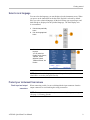
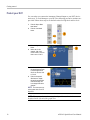
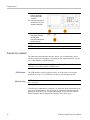
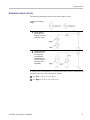
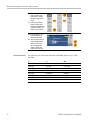
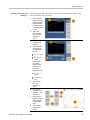
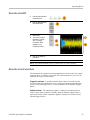
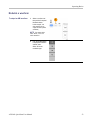
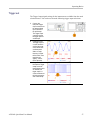
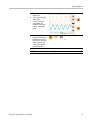
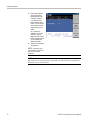
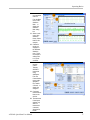
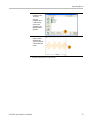
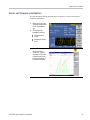
In this page, you can
set the parameters
for center frequency,
frequency span, hold
time and select the
sweep type.
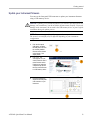
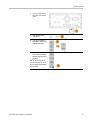
Hold time represents
the amount of time
that the frequency
must remain stable
after reaching the stop
frequency.
Push the -morebutton to display the
second sweep menu.
51