1
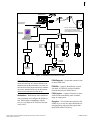
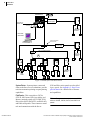
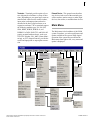
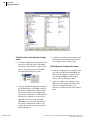
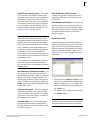
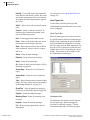
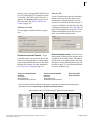
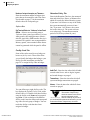
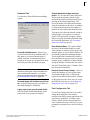
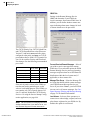
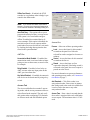
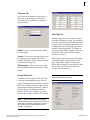
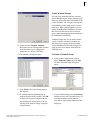
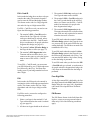
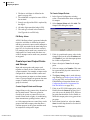
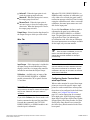
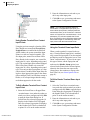
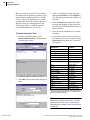
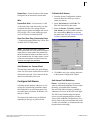
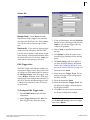
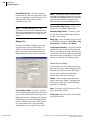
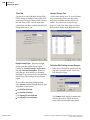
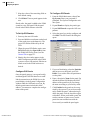
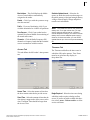
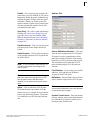
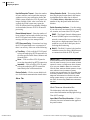
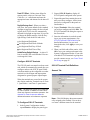
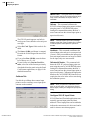
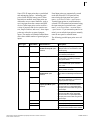
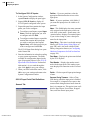
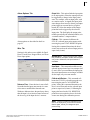
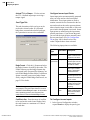
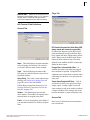
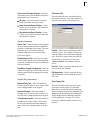
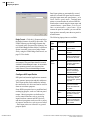
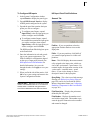
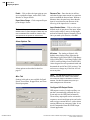
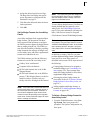
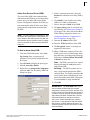
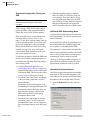
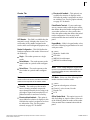
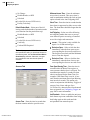
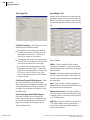
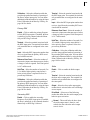
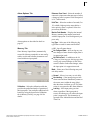
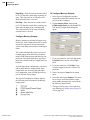
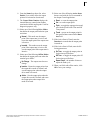
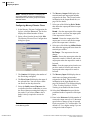
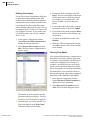
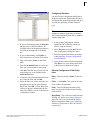
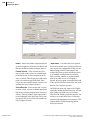
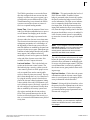
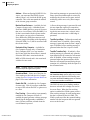
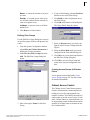
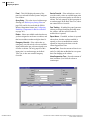
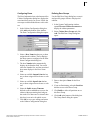
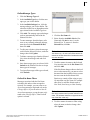
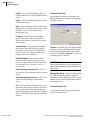
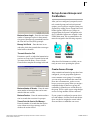
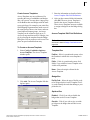
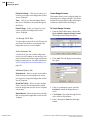
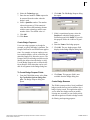
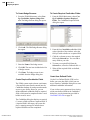
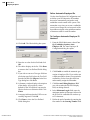
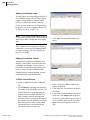
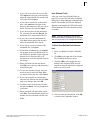
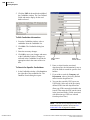
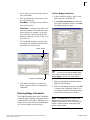
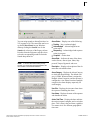
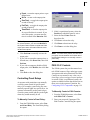
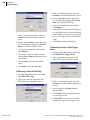
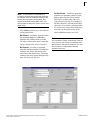
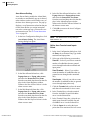
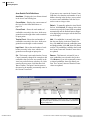
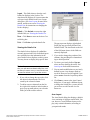
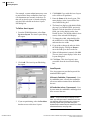
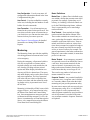
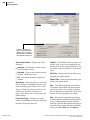
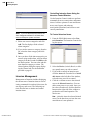
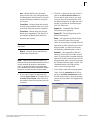
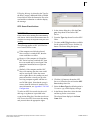
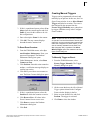
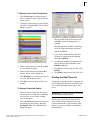
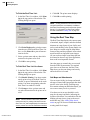
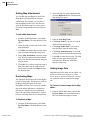
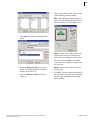
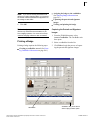
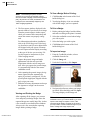
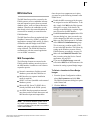
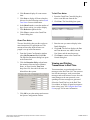
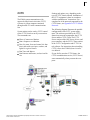
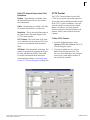
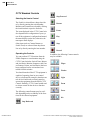
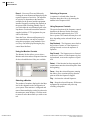
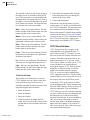
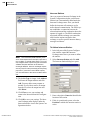
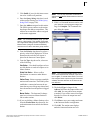
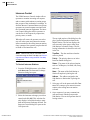
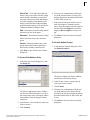
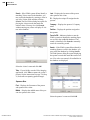
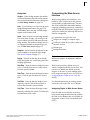
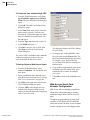
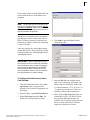
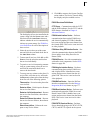
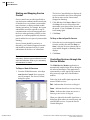
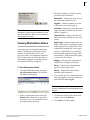
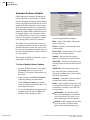
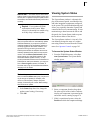
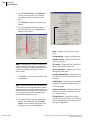
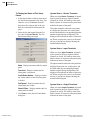
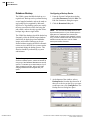
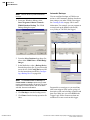
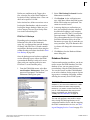
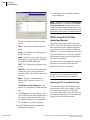
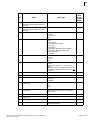
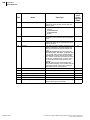
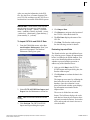
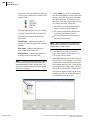
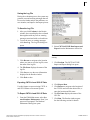
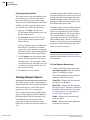
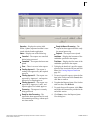
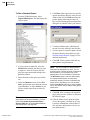
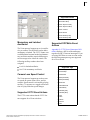
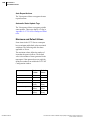
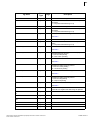
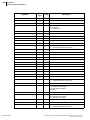
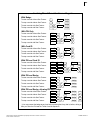
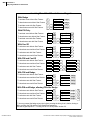
423 Using Switch Controls The Switch box provides the controls that allow you to select a Switch and select and use Tours, Macros, and Switch Auxiliary functions for the selected Switch if they are available. A Tour is a programmed set of Camera, Monitor and Preset selections. Macros are programmed sets of steps that are to be performed. The program steps can include any function provided by the associated Switch. Switch Auxiliaries can be activated using the control buttons in the Switch box. Selecting a Tour, Macro or Switch Auxiliary A Tour, Macro, or Switch Auxiliary is selected either from the associated drop-down list or by entering the item number in the respective field. Using Tour, Macro or Switch Auxiliary Controls The precise functions of the Tour, Macro, and Switch Auxiliary controls depend on the Protocol for the associated Switch and their application by the CCTV Server system. The controls that may be available are as follows: Step Backward – The Tour moves back to the previous Camera, or if the Tour is playing forward, reverses the sequence of operation. Step Forward – The Tour moves forward to the next Camera, or if the Tour is playing backward, reverses the sequence of operation. Selecting a Switch Only switches that are configured for the selected CCTV Server are displayed in the Switch drop-down list. A switch is selected either from the drop-down list or by entering the switch number in the Switch field. If a switch button is red the switch has communication problems. The associated error message displays below the Camera list box. This document contains confidential and proprietary information of Johnson Controls, Inc. © 2014 Johnson Controls, Inc. Restart – If the function has been stopped, the restart button starts the selected Tour or Macro from the beginning. Pause – This stops the selected Tour or Macro running but allows you to continue playing from the point at which the Tour or Macro stopped. Play – This activates the selected Tour, Macro, or Switch Auxiliary. Stop – This stops the selected Tour, Macro, or Switch Auxiliary. With some equipment the stop button may also stop recording a Tour or Macro. 24-10685-157 Rev. D