1
NO
EN
F
D
NL
ES
SE
DK
SU
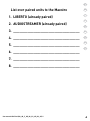
All units
in this set are
ready-paired for
your convenience!
English
Congratulations
About CIBS Total
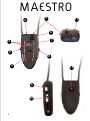
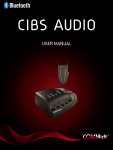
……Maestro (neck loop)
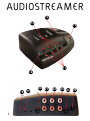
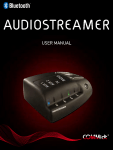
……Audiostreamer (Radio/TV unit)
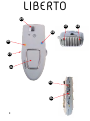
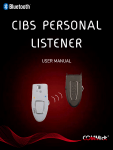
……Liberto
CIBS Total’s functions
Charging Maestro and Liberto
Assemble Audiostreamer
Connection of audio units to Audiostreamer
Turn On/Off Maestro and Liberto
Pairing units
Maestro/Liberto: how to...
……adjust the volume (Maestro)
……adjust the sensitivity/strength of the microphones
……shift between programmes on Maestro
……see which programme Maestro is in
……use the conversation amplifier on Maestro
……listen to audio equipment (TV/Radio, etc.)
……answer a telephone call (Maestro)
……end a telephone call (Maestro)
……make a call (Maestro)
……activate Voice-Dialing (Maestro)
……use Speed-Dial (Maestro)
……switch between microphones (Liberto)
……programme Maestro
Switch audio sources on Audiostreamer
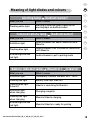
Meaning of light diodes and colours
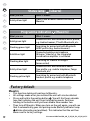
Factory default
……Maestro
……Audiostreamer
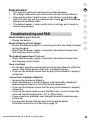
Troubleshooting and FAQ
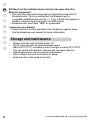
Storage and maintenance
Certification and safety approvals (english)
Declaration of conformity (english)
5
6
6
7
7
8
9
10
11
11
12
12
14
14
14
14
14
14
15
16
16
16
16
17
17
17
17
18
19
19
20
20
21
C
D
User manual CIBS Total (NO_GB_F_DE_NL_ES_SE_DK_SU) 1i