1
AMXview Network Management
2.2.6.10.
User Manual
Set Poll Time for Serial Port
Poll time for serial port is the cycle of serial ports while running. After serial port is opened,
this Menu becomes black (indicating accessibility). Execute this command on the menu (i.e.
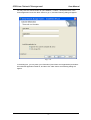
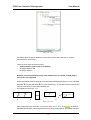
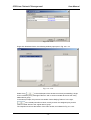
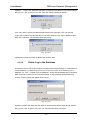
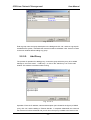
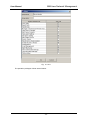
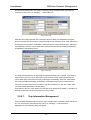
“Manage” → “Set Poll Time for Serial Port”, following window appears:
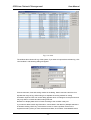
Fig. 2-2-6-28
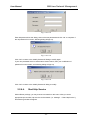
The entered numbers must be integers, and click “Confirm after data is entered, to start
polling according to this time. Click “Cancel” to cancel the current setting. System polls serial
ports as per original cycle.
2.2.6.11.
Configure Device Address
After serial port is opened, this Menu turns black (indicating accessibility). With enough
privilege, you may connect the device AMX32FE (ELAN4000) with serial port of the local
computer. Following window appears after this command on the menu (i.e. “Manage” →
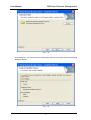
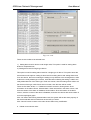
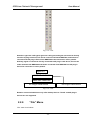
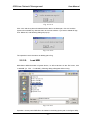
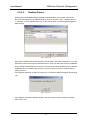
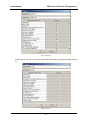
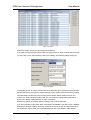
“Configure Device Address”) is executed:
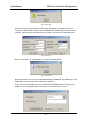
Fig. 2-2-6-29
First read the default address of the connected device, and then set its address. This option is
used for network management software to set address of the device, but this is only valid to
device whose address can be set by the software.
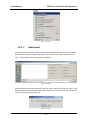
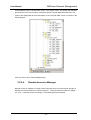
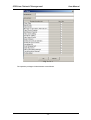
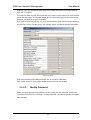
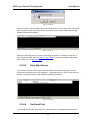
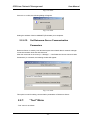
If the serial port has not been connected with AMX32FE (ELAN4000), click “Read Address” at
this point, and following dialog will appear:
- 61 -