1
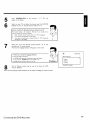
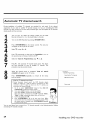
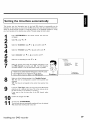
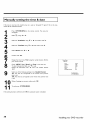
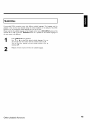
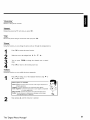
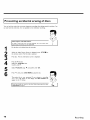
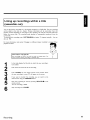
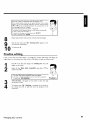
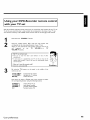
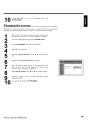
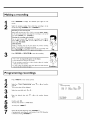
Selecting
daily/weekly
recordings
in 'Date'
use SELECT
'Mo-Fr':
Repeated daily recordings
'Mo':
Repeated
to select from
weekly
recordings
the following
from
options:
Monday to Friday
(every
week
on
the
same
day, e,g.
Monday)•
Program
numbers
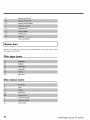
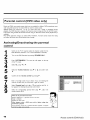
'EXTI'
and
recordings from
IN,
or
Video
Change
in ('EXTI')
Changing
'EXT2'
the
button
recording
VIDEO
to
or
select 'AM
S-ViDEO
IN ('EXTZ).
Use
the recording
, •
to select
TIMER
in the
input fields
Tip
mode,
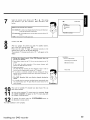
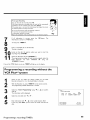
If all information
is correct,
press
information is stored in a TIMER block.
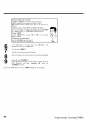
To end, press
'P/_
quality
input field using I_ .
the
OK button
The
C) •
The disc you have inserted
Search the position
will be checked.
on the disc where
the recording
The
recording will
Switchprogrammed
off with STANDBY
_). only function
DVD
Recorder
has
been
switched
STANDBY
© button•
If any of the TIMER blocks are in use, 'TIMER'
86
socket
sources via
COMPONENT
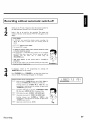
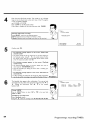
Select the 'RecMode'
•
cinch
external
'AM/PM'
Use the SELECT
'Star_ and 'Enc[_
6
7
of the
You can also program
should
properly
off
begin•
when the
using
the
will light up on the display
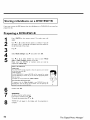
Programming
a recording
(TIMER)