1
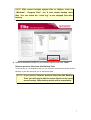
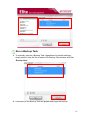
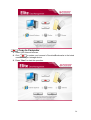
7. In this step, you are given the option to set a reoccurring schedule for your
Backup Task, which is useful to make sure your data is always synchronized
and up-to-date. Choose one of the available backup frequency options and
click “Done.”
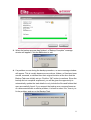
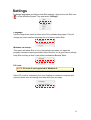
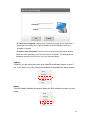
Backup Scheduling Options:
• None (default) – Choose this option if performing a one-time backup or if you want to
perform updates manually.
• Daily– Execute the Backup Task once each day at a specific time. Click the up/down
arrow buttons to adjust the start time.
• Weekly – Execute the Backup Task once every week. Select the time and the day (or
days) of the week on which you want to backup your data.
• Monthly – Execute the Backup Task once per month at the same time of day on a
specific day(s).
8