1
Aquadopp CURRENT PROFILER 67
User Guide
CHAPTER 8
Getting Recorded Data out
This chapter explains how to get the data out of the Aquadopp Profiler by means
of the AquaPro software. If you are going to do post processing in programs like
Microsoft® Excel and MATLAB® the data must be converted to ASCII format
first. This chapter shows you how.
Retrieving Data from the Instrument
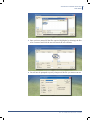
To retrieve data from the instrument:
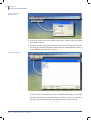
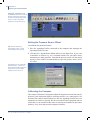
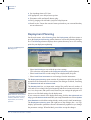
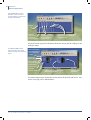
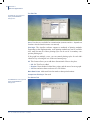
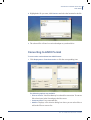
1 Click Deployment > Stop Recorder Deployment or click the corresponding
icon.
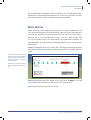
By clicking Deployment >
Stop Recorder Deployment
you will be able to compare
the instrument’s realtime clock
setting time with that of the PC.
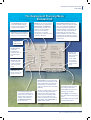
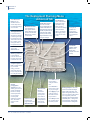
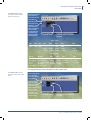
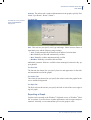
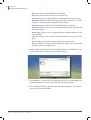
2 Click Deployment > Recorder Data retrieval or click the corresponding icon.
Doc. No: N3009-103 • Revision C • 01.2008