1
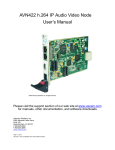
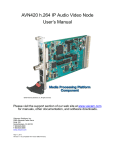
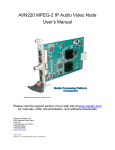
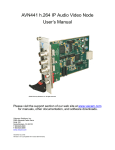
AVN4XX Quick Start Guide Introduction This document is intended to assist users in the initial configuration and setup of the AVN4XX series of encoders. This document is NOT intended to provide installation instructions for either the AmiNet or other AVN products (AVN2XX). Equipment Required 1 Blade card (AVN420, AVN422, AVN441, or AVN443) 1 MPP200 or MPP1700 Chassis with matching power supply 1 Ethernet cable 1 RJ45 to DB9 serial cable (same as Cisco console cable, only needed for initial configuration) 1 Video cable: o AVN420 – SVideo or Composite o AVN422 – HDMI (DVI-D with adaptor cable) o AVN441 – HDMI (DVI-D with adaptor cable), Component or Composite o AVN443 – HDMI (DVI-D with adaptor cable) or SDI 1 Audio connector (for balanced or unbalanced audio input), or RCA audio cable (unbalanced only) for an AVN441 or AVN443. Step 1: Connect AVN4XX Hardware Note: It is important that the module be properly aligned with the slot guides before it is inserted into the appropriate slot on the chassis. It is recommended that the user’s line of sight be level with the middle of the backplane in order to see both slot guides clearly. Install a VSI blade into the chassis as follows: Caution: Use proper ESD precautions when installing or removing a VSI blade to avoid damaging the unit’s circuitry. 1. Slide the blade, open end first, into the desired slot on the chassis until it plugs into the connector located on the backplane at the rear of the unit. 2. Use the bottom ejector handle to securely seat the blade into the chassis and to properly mate the rear connectors. The handle should lock closed when properly inserted to secure the unit. 3. Tighten the captive thumb screw located at the top of the blade to provide a more secure mounting. 4. If desired, an additional Phillips screw can be installed through the handle. 5. The Status LED will blink once per second when the blade is properly installed, powered, and operational. 2060 Alameda Padre Serra, Suite 100∙ Santa Barbara, CA 93103 Tel: (805) 845-8900 ∙ Fax: (805) 845-8889 www.vsicam.com 2