1
Preparing an Application in WebGrants
contain only the information necessary to understand the data being presented
and not be used to circumvent the detailed proposal page length limitations.
The figures, tables and charts should be saved to the “Detailed Project
Proposal” application component as a separate file.
Study Surveys and Questionnaires
If the project methodology includes the use of study surveys and
questionnaires, these items should be saved to the “Detailed Project Proposal”
application component as separate file(s).
Please Note: No other project or supporting information may be attached to
the “Detailed Project Proposal” component of the application. Additional
attachments, such as background materials, supporting documents may be
uploaded to the “Attachments” component towards the end of the application
form. Applicants are advised however, that peer reviewers are not obligated to
review these additional attachments.
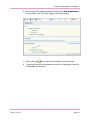
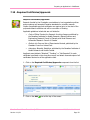
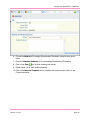
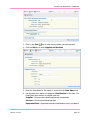
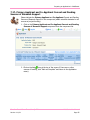
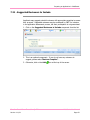
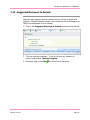
1. Click on the Detailed Project Proposal component from the list of
components.
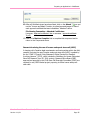
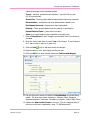
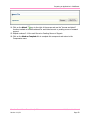
2. Click on the Add
icon at the top of the screen.
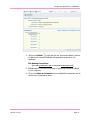
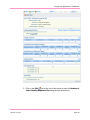
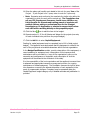
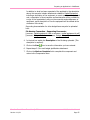
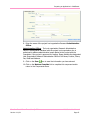
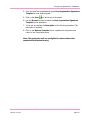
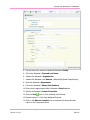
3. Use the Browse function to attach the Detailed Project Proposal to the
application.
Canadian Breast Cancer Foundation © 2011
Version 1-11/11
WebGrants User Manual
Page 40