1
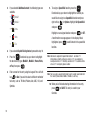
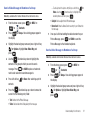
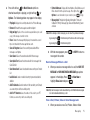
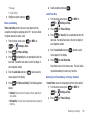
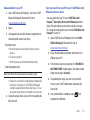
4.
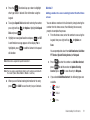
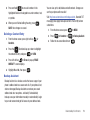
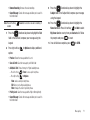
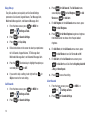
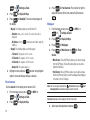
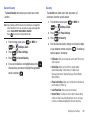
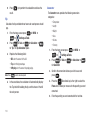
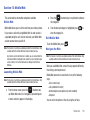
Use the
Directional key down to highlight the
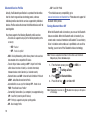
contacts in the group to which you want to send a
message. Press
to place a checkmark next to each
selection to send messages to.
5.
Press left soft key
for Done after selecting up to 10
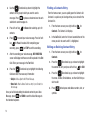
Finding a Contacts Entry
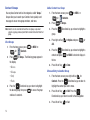
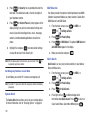
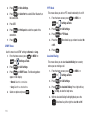
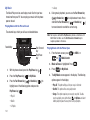
From the home screen, you can quickly open the Contacts list.
Contacts is a quick way of viewing entries you’ve stored in the
Contacts list.
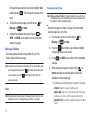
1.
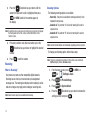
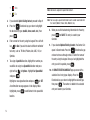
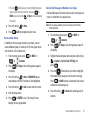
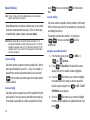
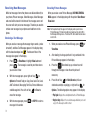
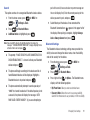
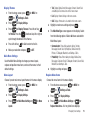
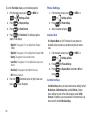
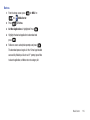
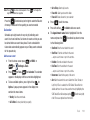
Press
key
to record your voice message. Press left soft
for Pause if needed. After completing your
recording, press
7.
for STOP to end the recording.
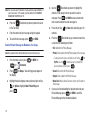
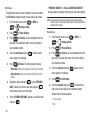
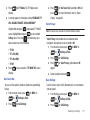
After the recording your voice message, NEW VOICE MSG
2.
field. Enter your message in the Text field.
Press the
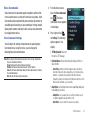
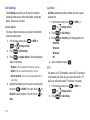
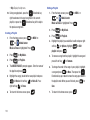
Editing an Existing Contact Entry
1.
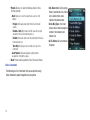
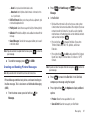
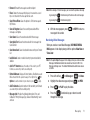
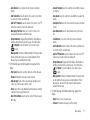
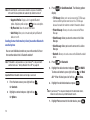
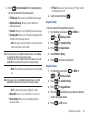
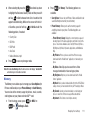
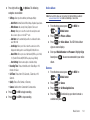
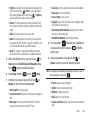
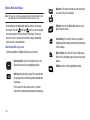
• Subject: Add a subject to the Picture Message.
• Name Card: Attach a Name Card or an entry in your Contacts to
the message.
Once you’ve finished adding the desired content to your Voice
Message, press
for SEND to send the Voice Message to
the intended recipients.
58
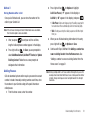
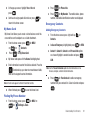
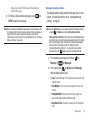
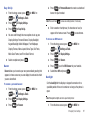
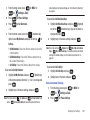
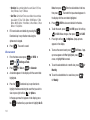
From the home screen, press right soft key
for
Contacts.
2.
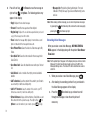
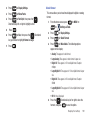
Press the
Directional key up or down to highlight
the contact list entry and press left soft key
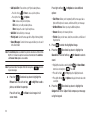
Directional key to highlight the following
fields and enter the necessary information:
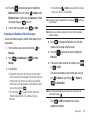
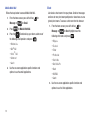
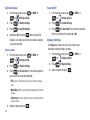
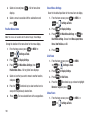
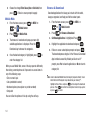
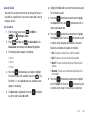
In the Go To field, enter the first and second letters of the
name you wish to search until it is highlighted.
screen will display and the cursor will be placed in the Text
8.
for
Contacts. The Contact List displays.
contacts.
6.
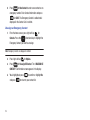
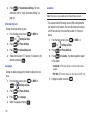
From the home screen, press right soft key
3.
Press the
for Edit.
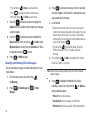
Directional key up or down to highlight
the name, number, Email address, or other field that you
wish to edit.
4.
Press
symbols.
to backspace and delete numbers, text, or