1
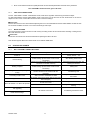
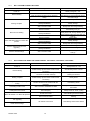
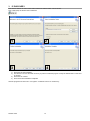
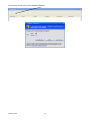
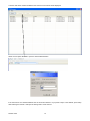
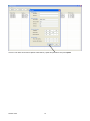
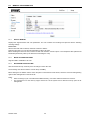
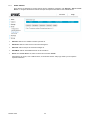
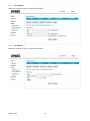
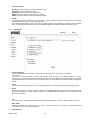
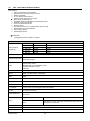
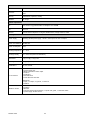
5.7.6 EVENT SERVER Event Server are designed to receive pictures and/or notification messages. Use Settings > Event > Event Server to configure camera Event Server and input the required information for the selected server. Add FTP: adds an FTP website to send the pictures to. Add HTTP: adds an HTTP server to send text messages to. Add TCP: adds a TCP port to send text messages to. Add SMTP: adds an email address/server to send emails to. Delete: from “Event Server” list, select a server name and click “Delete”. After adding FTP, HTTP, TCP or SMTP server, an information window will pop up where you can input the required information. DS1093-104A 32