1
Using your Router with AOL Broadband
1
Step 2
Configuring the Router
2
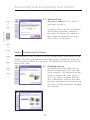
Follow this step only if you use AOL DSL. This procedure is for Belkin
Router models F5D5231-4, F5D6231-4, F5D7230-4, and F5D7231-4.
3
1.
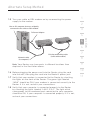
Connect your Router to your network per the
instructions in your User Manual.
4
2.
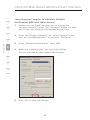
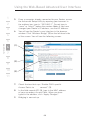
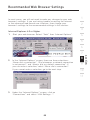
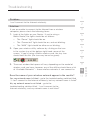
Open your Web browser.
3.
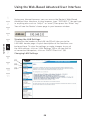
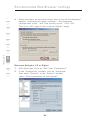
In the address bar of your browser, type http://192.168.2.1
and click “Go”. You will be directed to the Router’s
home page. Click on “Connection Type” in the lefthand column under “Internet WAN” heading.
5
6
7
8
10
11
4.
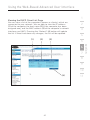
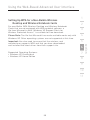
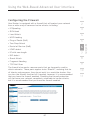
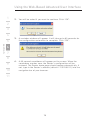
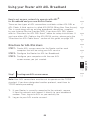
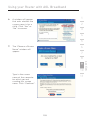
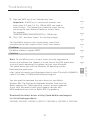
You will see the Router’s login page. Leave the
password field blank and click “Submit”.
5.
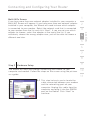
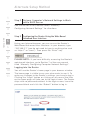
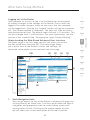
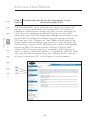
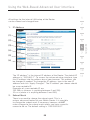
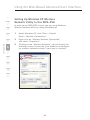
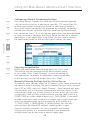
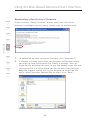
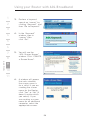
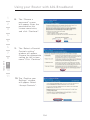
You will now see the “Connection Type” page. Select “PPPoE”
and click “Next”. You will now see the PPPoE setup page.
6.
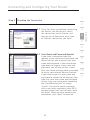
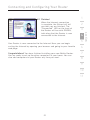
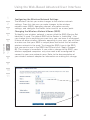
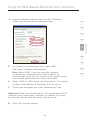
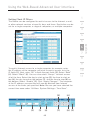
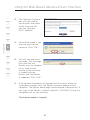
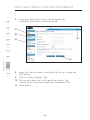
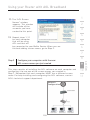
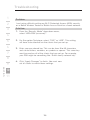
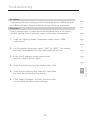
In the “User Name” field, type in the screen name that you
created for your Router (1).
99
section
9