1
SX77
4-07-2008
8:58
Pagina 23
4 - Operation
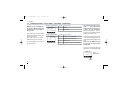
4.1.2 KEYS FUNCTIONS AND DISPLAY IN PROGRAMMING MODE
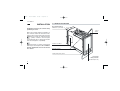
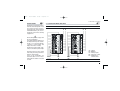
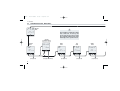
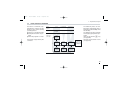
A
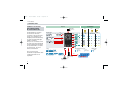
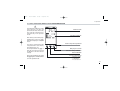
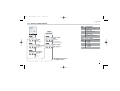
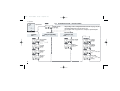
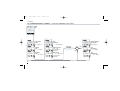
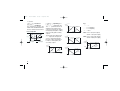
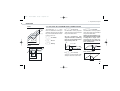
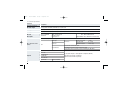
The parameter setting procedure
has a timeout. If no keys are
pressed for, at least, 30 seconds,
the controller switches back,
automatically, to the operator
mode.
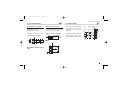
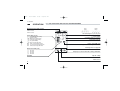
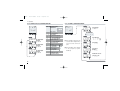
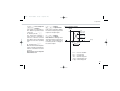
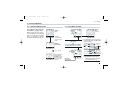
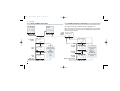
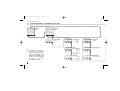
35.0
P.b.
Parameter value
Parameter mnemonic
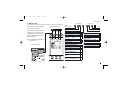
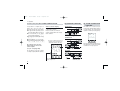
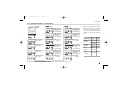
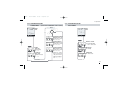
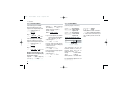
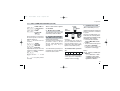
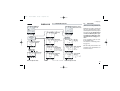
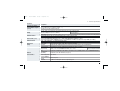
After having selected the parameter or the code, press $
and % to display or modify the
value.
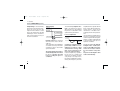
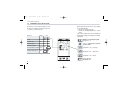
Back to the previous parameter
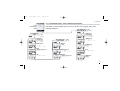
The value is entered when the
next parameter is selected, by
pressing the è key.
Pressing the back key ê or
after 30 seconds from the last
modification , the value doesn't
change.
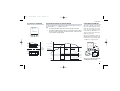
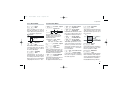
From every parameter, pressing
the í key, the controller switches to the operator mode.
Entry key for selection
and value setting confirmation
Value modification
Access to the menu for:
- Parameter setting
- Configuration
- Access selection
23