1
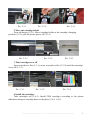
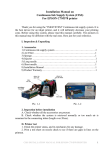
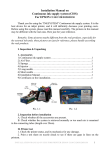
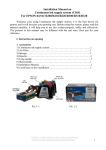
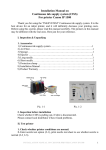
Pic. 1-2
II. Test printer
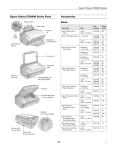
1. Check printer status to see whether it is normal or not, and check its mechanics
for any damage.
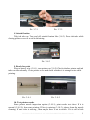
2. Print a test sheet on nozzle check to see if gaps appear on lines in the printout.
Pic. 2-1
Pic. 2-2, 2-3
3. If printer is alright, please print a picture to see the result.
Note: This system will not cause any damage to your printer.
III. Installation Procedure
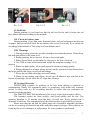
l Prepare System
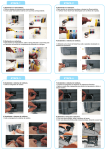
Put the system on the right side of the printer. Tidy up ink tube (3-1 -1), pull out
air plugs and keep them well for next use (3-1-2), install air filters (5pcs) (put them with
the bigger side) (3-1-3).
2
INSTALLATION MANUAL ON CISS FOR PRINTER EPSON CX8400