1
USER'S MANUAL
TABLE OF CONTENTS
Page #
1.0
GENERAL INFORMATION ......................................................................................... 1-1
1.1
System Overview ................................................................................................... 1-1
1.2
Authorized Use Permission .................................................................................. 1-1
1.3
Points of Contact ................................................................................................... 1-1
1.3.1
2.0
Information............................................................................................................................ 1-1
SYSTEM SUMMARY .................................................................................................. 2-1
2.1
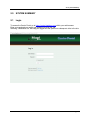
Login ...................................................................................................................... 2-1
2.2
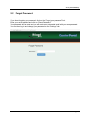
Forgot Password ................................................................................................... 2-2
2.3
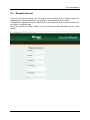
Request Account ................................................................................................... 2-3
2.3
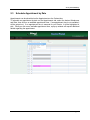
Schedule Appointment by Date ............................................................................ 2-4
2.3.1
2.3.2
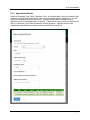
Appointment Details ............................................................................................................. 2-5
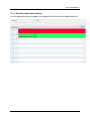
Reviewing Appointment Status ............................................................................................. 2-6
2.4
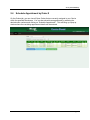
Schedule Appointment by Order # ....................................................................... 2-7
2.5
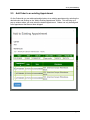
Add Order to an existing Appointment ................................................................ 2-8
2.6
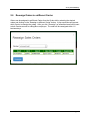
Reassign Orders to a different Carrier ................................................................. 2-9
2.7
Settings .................................................................................................................2-10
User’s Manual
Page ii