1
Chapter 4. Edit a Project
4.4.3. Edit a Configuration Global Variable
Configuration Global Variable can be used commonly for all programs in several resources.
So, it can be used only in GM1 that several resources can exist in.
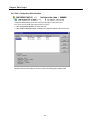
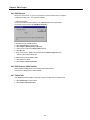
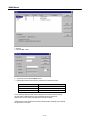
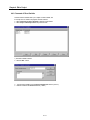
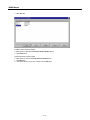
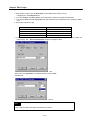
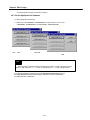
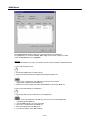
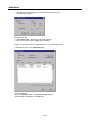
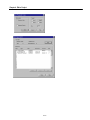
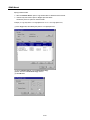
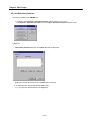
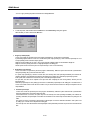
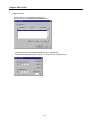
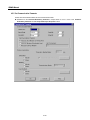
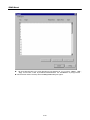
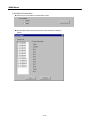
◆ Select Configuration Globals in the Project window list.
◆ Select Project - Edit Project Item(or double-click the Configuration Globals in the Project window).
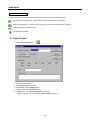
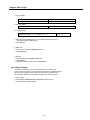
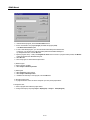
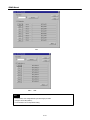
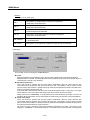
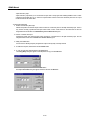
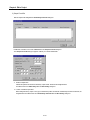
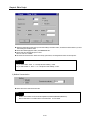
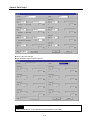
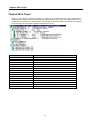
Description item in the above dialog box shows the content of the selected global variable in detail.
4-5