1
Getting Started
3-7
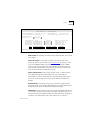
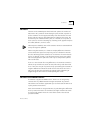
If you cannot see the main banner or it displays incorrectly, it may be
that:
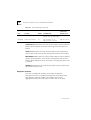
Your terminal is not configured as a VT100 terminal.
Check that your terminal is setup to operate with acceptable
parameters for the serial port (see the section “Serial Port Setup” on
page 3-15). The autoconfigure option will only operate if your terminal
uses correct parameters for the Module. The maximum speed is 9600
baud.
Autoconfigure is disabled.
If you are unable to obtain the banner screen, it is possible that the
autoconfigure option has been disabled. Check the configuration of the
terminal.
If you cannot resolve the problem, refer to Appendix C for further
troubleshooting information.
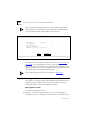
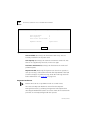
Once the Main Banner screen is displayed, press [Return] to display the
Logon screen.
Logon
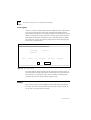
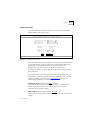
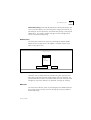
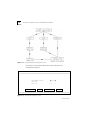
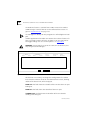
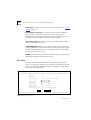
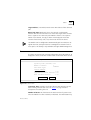
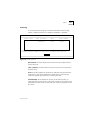
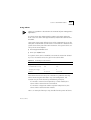
You must enter your user name and password to be able to use the
management facility. The Logon screen is shown below.
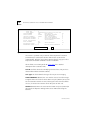
3Com SuperStack II Logon
User Name:
[
]
Password:
[
]
OK
Figure 3-3 Logon Screen
DUA1663-0BAA03