1
Chapter 5 :
Maintenance
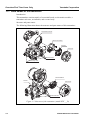
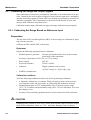
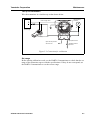
This section explains the maintenance of the AT9000 Advanced Transmitter and a
range of interesting ways to ensure that your transmitter’s performance goals may be
continuously met during its operating life, including instructions for:
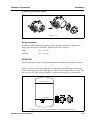
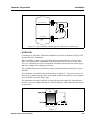
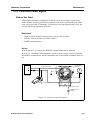
• disassembly and assembly procedures,
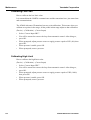
• output checking,
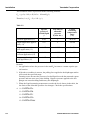
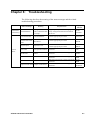
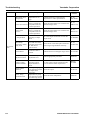
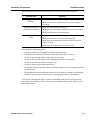
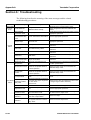
• calibration procedures, and troubleshooting procedures.
At the start of operation or during operation, deal with performance problems by following these procedures. If you cannot fix the problem, it is possible that there is a
problem with the product itself and you should contact your Yamatake representative
immediately.
AT9000 Advanced Transmitter
5-1