1
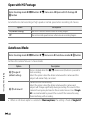
Open with HS Footage
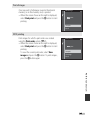
Enter shooting mode M d button M D menu icon M Open with HS footage M
k button
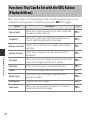
Set whether to start recording at high speed or normal speed when recording HS movies.
Option
Description
On (default setting)
Record HS movies when movie recording begins.
Off
Record normal speed movies when movie recording begins.
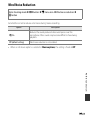
Autofocus Mode
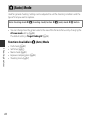
Enter shooting mode M d button M D menu icon M Autofocus mode M k button
Set how the camera focuses in movie mode.
Option
Description
Reference Section
A Single AF
(default setting)
Focus is locked when the b (e movie-record) button is pressed to
start recording.
Select this option when the distance between the camera and the
subject will remain fairly consistent.
B Full-time AF
Camera focuses continuously.
Select this option when the distance between the camera and
subject will change significantly during recording. The sound of the
camera focusing may be heard in the recorded movie. Use of Single
AF is recommended to prevent the sound of the camera focusing
from interfering with recording.
• When an HS movie option is selected in Movie options, the setting is fixed at Single AF.
E68