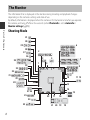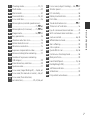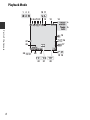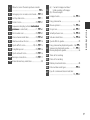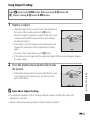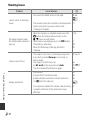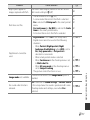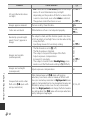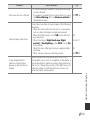
1
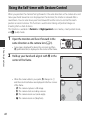
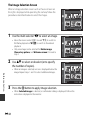
Using the Self-timer with Gesture Control
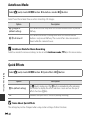
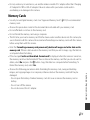
When you position the monitor facing forward in the same direction as the camera lens and
move your hand toward an icon displayed on the monitor, the shutter is released after a
countdown. You can also move your hand toward the other icons to control the zoom
position or record a movie. This function is useful when taking self-portrait images or
shooting from a short distance.
This function is available in Portrait and Night portrait scene modes, smart portrait mode,
and A (auto) mode.
1
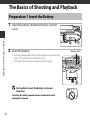
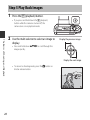
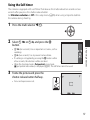
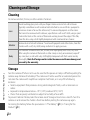
Open the monitor and face it forward in the
same direction as the camera lens (A3).
Shooting Features
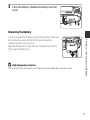
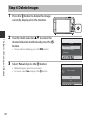
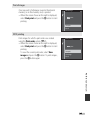
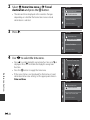
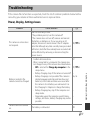
• A message is displayed for about five seconds, and then
n (palm detection) is displayed in the center of the frame.
2
25m 0s
880
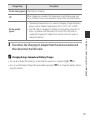
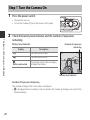
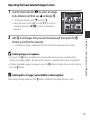
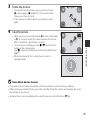
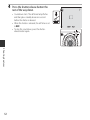
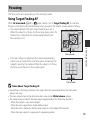
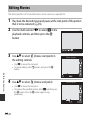
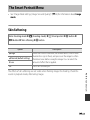
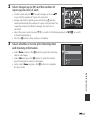
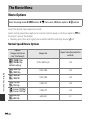
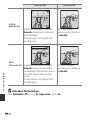
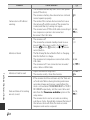
Hold up your hand and align it with n in the
center of the frame.
25m 0s
880
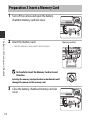
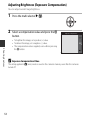
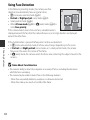
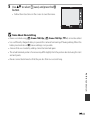
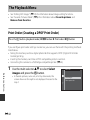
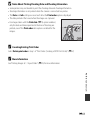
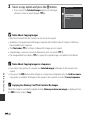
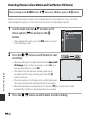
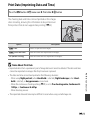
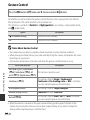
• When the camera detects your palm, n changes to o
and the icons listed below are displayed in the four corners
of the frame.
- p: The camera captures a still image.
- q: The camera starts recording a movie.
- r: The camera zooms out (wide-angle).
- s: The camera zooms in (telephoto).
46