
1
FINAL DRAFT
FIREMON Database User Manual – Updated 04/04/2005
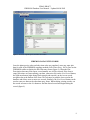
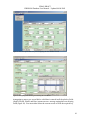
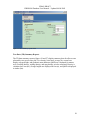
Users may filter FIREMON plots by selecting a specific Registration ID, Project ID,
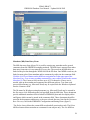
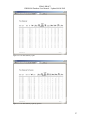
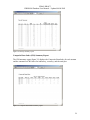
range of Plot IDs, and range of Dates. The File Info tab allows users to enter basic
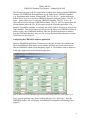
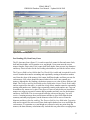
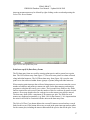
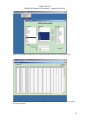
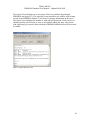
information about a FIREMON data set (figure 47). A FIREMON user’s name,
organization, and email are entered along with any comments about the specific data set.
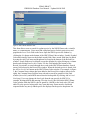
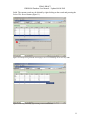
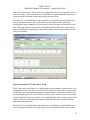
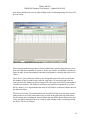
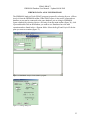
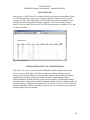
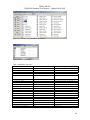
Once this information is entered, the user names the XML file and saves this file to a
specified directory (figure 48).
Figure 47. File Info tab of the Export Data form.
Figure 48. Save window for naming and saving XML export files.
Importing FIREMON Data
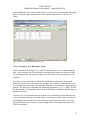
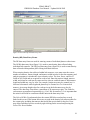
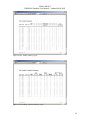
FIREMON allows users to import data which was exported from another FIREMON
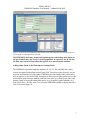
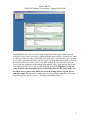
database. The FIREMON Import Wizard guides users through this process. Select File Æ
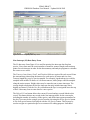
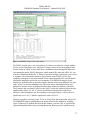
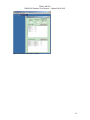
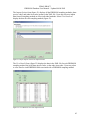
Import from the main toolbar. The Import Wizard then prompts users for information
43

























![[U4.83.11] Opérateur POST_RCCM](http://vs1.manualzilla.com/store/data/006374258_1-02ec80959c2c4816a7bdfe94ffd80332-150x150.png)