1
MultiBio700 User Manual 1.0
1.4 Use of Touch Screen
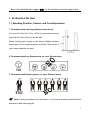
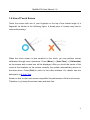
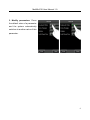
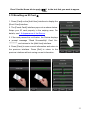
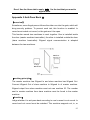
Touch the screen with one of your fingertips or the top of the forward edge of a
fingernail, as shown in the following figure. A broad point of contact may lead to
inaccurate pointing.
When the touch screen is less sensitive to the touch, you can perform screen
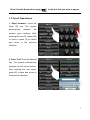
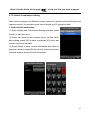
calibration through menu operations. Press [Menu] -> [Auto Test] -> [Calibration]
on the screen and a cross icon will be displayed. After you touch the center of the
cross at five locations on the screen correctly, the system automatically returns to
the main menu. Press [Exit] to return to the initial interface. For details, see the
description in 9. Auto Test.
Smear or dust on the touch screen may affect the performance of the touch screen.
Therefore, try to keep the screen clean and dust-free.
4