1
Section 3 - Configuration
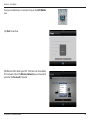
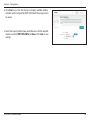
10.If the wireless network you selected is secure, you will be prompted
to enter the Wi-Fi Password.
Click Next to continue.
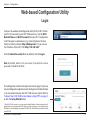
11.The DAP-1320 will rebroadcast the Wi-Fi connection from the uplink
router as an Extended Network. Enter an Extended Wi-Fi network
name and Extended Wi-Fi network password.
If you would like to use the same SSID and password as your uplink
router, check the box at the bottom of the screen. This will extend
the network that your router is currently broadcasting.
Click Next to continue.
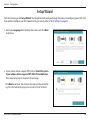
12.The setup process is now complete. A summary page will appear
displaying the settings for both the connection to the Wi-Fi Network
and the Extended Wi-Fi network. It is recommended that you make
a note of this information for future reference.
Click Save to save your settings and exit the wizard.
D-Link DAP-1320 User Manual
14