1
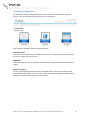
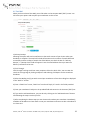
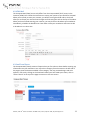
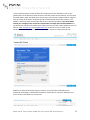
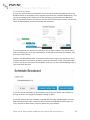
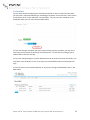
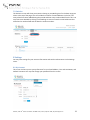
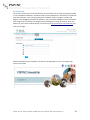
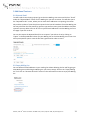
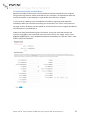
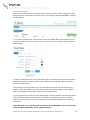
 9 Additional Features 9.1 Rejected Email To view emails that are being rejected, go to the View Mailing Lists screen and click on “Check” under the “Rejected Mail” column for the Mailing List you wish to review. This will take you to the “Rejected Emails” screen, where you can view which addresses are rejecting, the reason why and the number of times they have rejected in the last 10 broadcasts from that Mailing List. You may also filter the information by rejection type and how many times the address has been rejected. You may delete a few or all of the rejected email addresses from the Mailing List from this page if you wish to do so. You can also export the Rejected Emails list as a report if you wish to do so by clicking on “Export” in the Rejected Mail column for your Mailing List on the View Mailing Lists screen. You will be prompted to open or save the file that is generated in order to view it. 9.2 Empty Mailing List You can delete all email addresses in your mailing list without deleting the list itself by going to View Mailing Lists and clicking the Mailing List you want to empty. Click on the “Empty Mailing List” link. Click on “Remove All Emails” button on the confirmation screen to empty the Mailing List. th
PSPINC | 1404 140 Place N.E., Bellevue, WA 98007-3915 | Phone: (425) 957- 0808 | http://www.pspinc.com
21