1
CHAPTER 4. IMPLEMENTATION
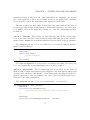
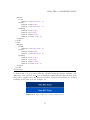
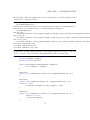
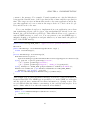
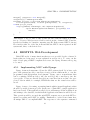
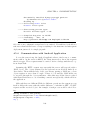
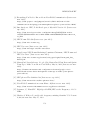
Successfully installed Django psycopg2 gunicorn
dj-database-url dj-static static
Cleaning up...
-----> Collecting static files
0 static files copied.
-----> Discovering process types
Procfile declares types -> web
-----> Compiled slug size is 29.5MB
-----> Launching... done, v6
http://fasttest.herokuapp.com deployed to Heroku
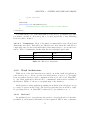
Of course some configuration steps have been omitted. Nevertheless, it should not
take more than half an hour to set up everything for the first time and subsequent
deployment just need of a single git push.
4.5.4
Communication with Android Application
So now the server is up, the Android application has to find a way to communicate with it. As the server is REST, the client just needs to know the requests
that it accepts. Those requests must be carried out in a background thread, e.g.
in an AsyncTask.
Assuming the HTTP request was successful the server will respond with a
JSON object. The objects returned by the back-end are modeled in Android as
Java classes. Then with the help of the gson library, parsing a JSON into a Java
object requires no more than a couple of lines of code and the JSON fields can
be accessed through the object attributes. After this step all the data is cached
with SharedPreferences to avoid making connections repeatedly, which will slow
the application.
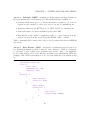
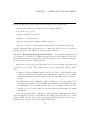
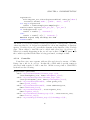
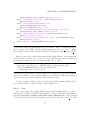
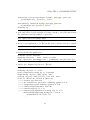
Although there are different URLs for different operations, the request process
itself is always the same with the subtle difference of whether is GET or POST
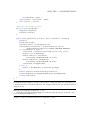
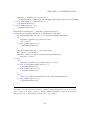
request and the received object. An example of such process would be the following:
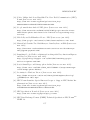
String filename = usr.getId();
HttpClient httpclient = new DefaultHttpClient();
HttpResponse response = null;
try {
100