1
5. Using the Viewer
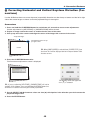
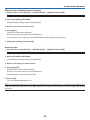
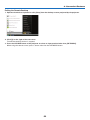
Exiting Viewer
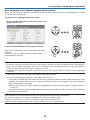
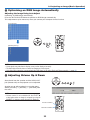
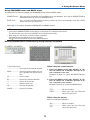
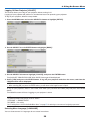
To exit Viewer, switch to another input such as Computer 1, Computer 2, Computer 3, Component, Video, S-Video
or NETWORK.
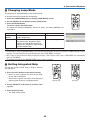
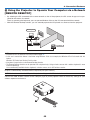
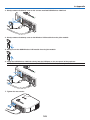
* To switch to another input, there are two ways:
• Press the COMPUTER 1, COMPUTER 2, COMPUTER 3, COMPONENT, VIDEO, S-VIDEO or NETWORK
button on the remote control.
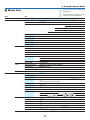
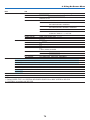
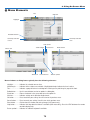
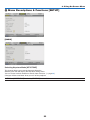
• Press the MENU button on the remote control to display the Viewer menu. Press the MENU button again to
display the main menu and select the input from the [Source] submenu.
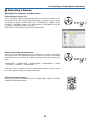
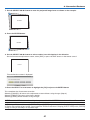
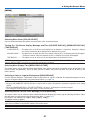
With this function it is possible to switch directly to a slide when the picture of a VCR or computer is being projected.
Example: When conducting presentations using a combination of slides and moving pictures from a VCR, etc., it is
possible to switch from a Viewer slide to the video picture then back to the Viewer slide simply by using the Viewer
button.
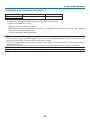
NOTE: Even if you switch the current Viewer source to another source, the current slide is retained. When you return back to the
Viewer, you will get the slide that has been retained.
69