1
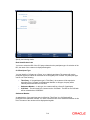
Netting Customer
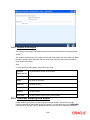
The FX netting customer of the contract’s counterparty will be displayed here. This would be
defaulted from the FX Netting Customer which you have specified for the Counterparty in
Customer Information maintenance for the Counterparty. A reference is made to the Customer
Maintenance while entering a new contract or amending an existing one.
For every customer, FX contracts are collated based on the FX Netting Customer during the
Netting Process-Automatic and Manual.
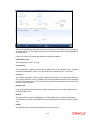
Netting Status
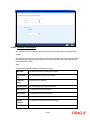
The status of netting is displayed in this field. Depending on whether the netting type is currencywise or currency pair-wise, the status will be displayed as any of the following:
•
Not Netted
•
Bought Leg Netted
•
Sold Leg Netted
•
Fully Netted
Mode of Netting
Mode of netting is defaulted from the netting agreement maintenance of the FX Netting customer.
You cannot override the value of this field for the specific contract. But by changing the value of
‘Netting Type’, Mode of Netting will undergo certain alterations.
If you choose Currency Wise or Pair wise netting as the ‘Netting Type’, a reference is made in the
netting agreement maintenance of the counterparty and the corresponding mode is reflected here
also.
If you choose ‘No Netting’ as the Netting Type, Mode of Netting will be reset as a blank value.
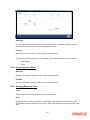
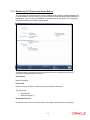
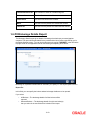
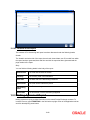
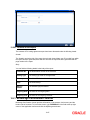
6.2.6.1 Bought Leg
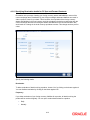
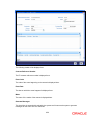
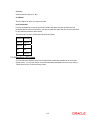
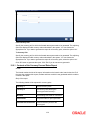
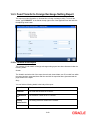
Specify the following details.
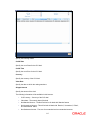
Netting Date
Specify the date on which you want to net the bought leg of the deal.
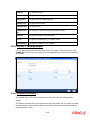
Value Date
This is the date on which the bought leg of the contract is to be settled.
Suspense Account
Specify the suspense account to be used while netting the Bought leg of the deal.
6-25