1
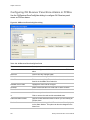
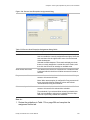
Glossary
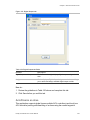
Element
Description
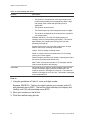
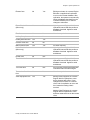
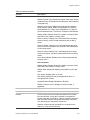
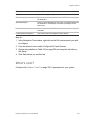
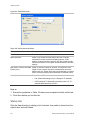
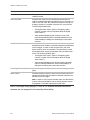
recorded as IN the area.
•
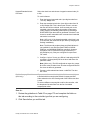
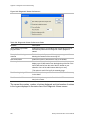
If Valid No Passage is not enabled and the door is not
opened, Valid is displayed on the Activity Monitor The user
is recorded as IN the area.
Note: By default, all readers are created with a door contact DI
defined.
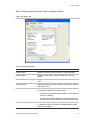
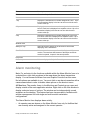
archive
An archive is a history of transactions. The archive is created
automatically by this application, based on the time interval that
you selected on the Preferences form (Daily, Weekly, or
Monthly). Refer to “Archiving” on page 78
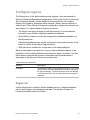
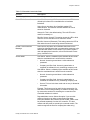
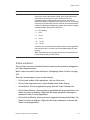
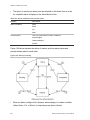
arm/disarm an area
This application supports global (spans multiple ACU
controllers) and local (one ACU controller) arming and
disarming of an area using the reader keypad or manual control.
Global operation requires host-to-controllers communication.
Local operation allows arming/disarming without host
communication.
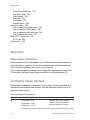
How arming works
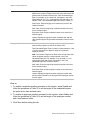
1. The operator enters a credential identification number and
swipes a credential.
2. The display requests the operator to enter a PIN.
3. The operator enters a PIN number plus 10 (for example,
1234 + 10 = 1244; the operator enters 1244)
4. A message displays the state of the area arming as
successful.
How disarming works
1. The operator enters a credential identification number and
swipes a credential.
2. The display requests the operator to enter a PIN.
3. The operator enters a PIN number plus 20 (for example,
PIN is 1234 + 20 = 1254; the operator enters
???? 1254).
4. A message displays the state of the area disarming as
successful.
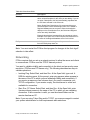
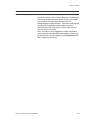
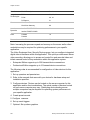
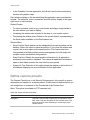
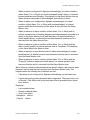
When using the 'Areas for Arm/Disarm' feature
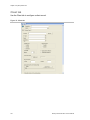
Note: The keypad arm/disarm feature must be configured as
'Local' on the Area form, Alarm tab.
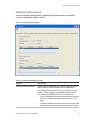
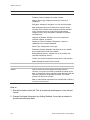
Arm
1. The operator enters an asterisk (*), swipes a credential, and
enters a PIN (if required).
2. Using the arrows to scroll up and down through the areas
displayed, select the area to arm.
3. Selec t ON.
Facility Commander Wnx 7.6 User Manual
563