1
VRinsight
MCP combo panel
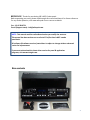
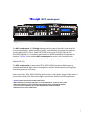
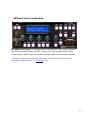
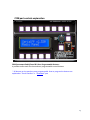
The MCP combo panel of VRinsight features various types of aircrafts’ panel with full
control complement ; default aircrafts of MSFS, most freeware and commercial add-on
aircraft (Wilco’s B737 Classic, PMDG’s B737NG & 744, Level-D’s B767-300 and PSS’
A319,320,330,340). It is completely interfaced with MSFS9 and MSFSX through add-on
software “VRiSim” which enables MCP combo panel to perform full simulation with
simple connection your computer through USB. Package including universal power supply
adaptor (DC 5V).
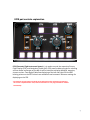
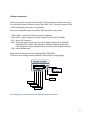
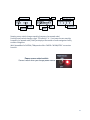
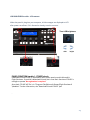
The MCP combo panel is comprised of EFIS, MCP & COM (Instrument Radio) part to
understand advanced flight controls for beginners and less advanced users starting flight
simulation games at a first step.
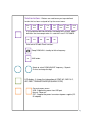
Each control part; EFIS, MCP & COM has push buttons, rotary knobs, toggle S/Ws and/or 2
line character type LCDs offers actual flight circumstance with full control complement.
• VRiSim supports all functions to MCP combo panel
• MCP combo panel consumes high power. To avoid malfunction , do not use many other
USB interfacing devices. We recommend using external power supply (DC 5V adaptor)
• If you want to use a USB hub, be sure that the USB hub is USB 2.0 compliant.
Otherwise it may cause a malfunction.
3