1
Pop up Menus
·
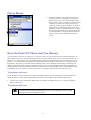
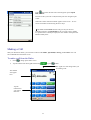
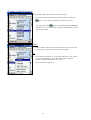
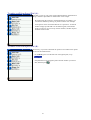
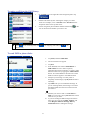
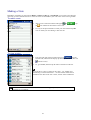
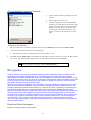
With pop up menus, you can quickly choose an
action for an item. For example, you can use the
pop up menu in the contact list to quickly delete a
contact, make a copy of a contact, or send an e-mail
message to a contact. The actions in the pop up
menus vary from program to program. To access a
pop up menu, tap and hold the stylus on the item
name that you want to perform the action on. When
the menu appears, lift the stylus, and tap the action
you want to perform. Or tap anywhere outside the
menu to close the menu without performing an
action.
Reset the Pocket PC Phone and Clear Memory
You can perform a soft reset or a full reset – a soft reset restarts your device and a full reset switches the battery off.
The result of a soft reset is that some data may be lost in programs that are open, however, the result of a full reset is
that power is cut, and this will wipe all the data and new programs you have added, and return the device to factory
setting – i.e. it will only have the software that was present when you bought it. On this basis, it is important not to
think about a full reset as you would restarting, shutting down or even switching off improperly your desktop, but
rather like a complete crash requiring you having to wipe your OS. It cannot be stressed enough the importance of
backing up data to a SD card (for more information on SD cards, see “SD and MMC cards” in the Pocket PC Phone
User Manual, P.12) or your PC so in the event you have to perform a full reset your data will not be lost.
To perform a soft reset:
If your Pocket PC Phone responds slowly stops responding or freezes, try soft resetting it. A soft reset causes the
Pocket PC Phone to restart and re-adjust memory allocation. Unsaved data in open windows may be lost.
·
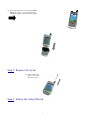
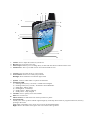
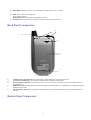
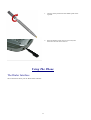
Use the stylus to press and hold the Reset button. (For details on finding soft reset, see, “Chapter 2, Bottom
Edge Components.”)
To perform a full reset:
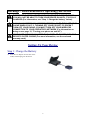
A full device reset clears memory, deletes all data and restores the Pocket PC Phone to
its default settings. Programs installed at the factory remain, while data you have created
and programs you have installed are erased.
10