1
SEEnergy
Network Video Recorder
English
User’s Manual
Table of Contents
Product Description
Install Hard Disk
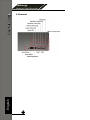
Hardware Illustration
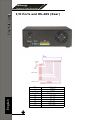
I/O Ports and RS-485
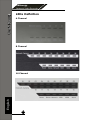
LEDs Definition
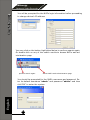
Connect to the NVR
1. Live View
1.1 Retrieve camera’s video stream
1.2 Retrieve camera’s status
1.3 Perform Sequence Viewing
1.4 PTZ Control
1.5 Perform PTZ Preset Viewing
1.6 Live Video Control Buttons
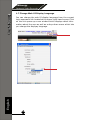
1.7 Change Web UI Display Language
2. Playback
2.1 Methods to Search Playback Videos
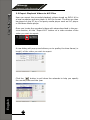
2.2 Export Playback Videos to AVI Files
2.3 Play Exported AVI Videos With NVR Media Player
2.4 Open Event Snapshot Images with NVR Media Player
3. System Setup
3.1 System Configurations
3.1.1 Network Settings
3.1.2 Time and Date
3.1.3 User Account
3.1.4 Group Privilege
3.1.5 Disk Setup
3.2 Channel Configurations
3.2.1 Add a Camera
3.2.2 OSD Settings
3.2.3 PTZ Preset Settings
3.2.4 PTZ Preset Sequence
3.2.5 E-Map Setting
3.2.5.1 Local Map Setting
3.2.5.2 Google Map Setting
3.3 Event Configurations
3.3.1 General Settings
3.3.2 I/O Settings
3.3.3 Event Servers
3.3.4 Event Triggers
3.4 Recording Configurations
3.4.1 General Settings
3.4.2 Schedule Recording
2
6
7
10
12
13
15
19
21
21
22
23
26
29
29
30
31
37
39
40
41
41
41
43
44
45
47
48
48
51
52
53
55
55
57
59
59
60
62
65
67
67
69