1
17
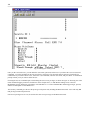
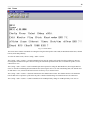
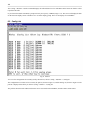
C)onfig > E)dit > n(V)ram opens a menu of commands for working with the DAC-D's nonvolatile RAM, or NVRAM.
The configuration file and all information entered through the terminal interface are stored in the DAC-D's nonvolatile RAM.
Erasing or overwriting the nonvolatile RAM will alter the DAC-D's configuration.
The NVRAM menu contains three commands:
The V)erify command checks the integrity of the NVRAM.
The W)rite command overwrites the NVRAM with the configuration information defined in the current terminal session. Use
this command to save changes to the DAC-D's configuration.
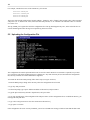
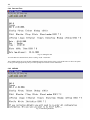
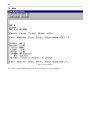
The I)nitialize command will erase the NVRAM, removing the configuration file and all other configuration information. If
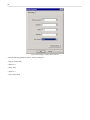
you choose the I)nitialize command, a confirmation prompt will ask you to confirm your choice (see Figure 19).
NOTE: Initializing the NVRAM will erase all configuration information, including the TMAS database configuration
file. Do not initialize the NVRAM unless you want to re-enter all configuration information.
6 Monitoring
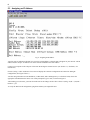
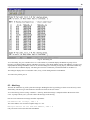
The terminal interface can also be used to monitor the DAC-D, either remotely through a Telnet session or through a
computer connected to the DAC-D's craft port. The monitoring features of the terminal interface can be used to troubleshoot
problems and verify correct operation of the DAC-D.
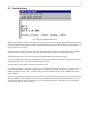
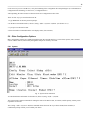
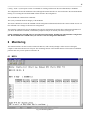
6.1 MEFA
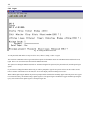
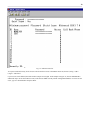
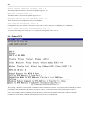
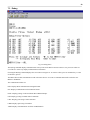
Fig. 20. Monitoring MEFAs