1
Viewing Loads
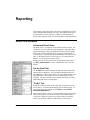
Select the Active Load Case
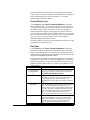
Use the Status Bar to select which load case is visible and active. A
Model View shows one Service Load Case at a time. Result Views,
Picture Views, Member Graphs and Plate Graphs will show any load
case with results, which may be a Service Load Case, an Equation Load
Combination, Factored Load Combination, Mode Shape, or Response
Load Case.
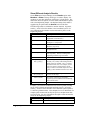
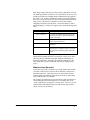
Design Views do not show any one load case but rather results for all
Strength or Serviceability load cases. See the VisualDesign User’s Guide
for more information.
See Factored Loads?
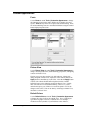
There is no graphical way to show the factored loads in an Equation or
Factored Load Combination. Loads are only shown in a Model View for
Service Load Cases. The primary reason for this is that the graphics
would get very cluttered and most likely unreadable where many loads
exist in the same locations in different load cases.
Find the Total Load in a Load Case
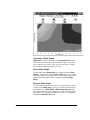
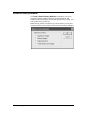
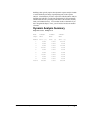
To find the sum total of loads in a load case you will need to analyze to
get results. Look on the Result tab of Project Manager, available when
a Result View is active, to see the Static Check. The Static Check
balances the total load in each direction with the total reaction force in
each direction.
User's Guide VisualAnalysis
Loading x 61