1
LabVIEW User Interface
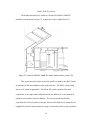
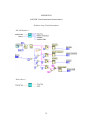
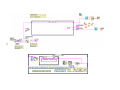
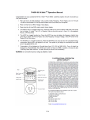
A computer utilizing National Instruments LabVIEW 8.0 control software
manages the STCS during tests. LabVIEW controls the useful output power from the
collector and monitors system performance. The control software calculates
theoretical output power of an array of flat plate collectors and communicates these
control values to the STCS via Ethernet Universal Datagram Protocol (UDP).
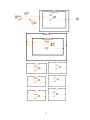
Appendix A contains a detailed user’s manual for the LabVIEW program. Appendix
B details the calculations performed in LabVIEW.
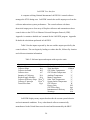
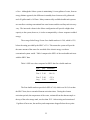
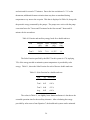
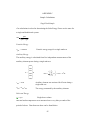
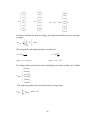
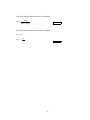
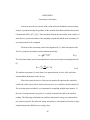
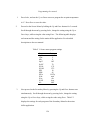
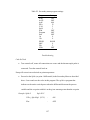
Table 2 lists the inputs requested by the user and the outputs provided by the
control software. The user begins by loading a weather data file, followed by location
and collector orientation information.
Table 2. Software inputs and outputs with respective units.
Inputs
Units
Weather Data
N/A
Collector Slope
deg
Collector Azimuth
deg
Collector Area
m2
Quantity of Collectors
N/A
Incident Angle Modifier
N/A
Collector Efficiency Slope W/m2°C
Collector Y intercept
W/m2°C
Tested Flow Rate
Kg/s
Outputs
Units
Hour of Day (std/solar)
hr
Total Insolation
kWh/m2
STCS Inlet Temperature
°C
STCS Outlet Temperature
°C
Ambient Temperature
°C
Mains Temperature
°C
Solar Tank Temperature
°C
System Outlet Temperature
°C
STCS Power
W
Energy Gain
MJ
STCS Flow Rate
kg/s
Instantaneous Efficiency
N/A
Warnings
N/A
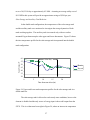
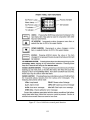
LabVIEW displays many outputs that describe the current system behavior
and environmental conditions. Every solar thermal collector commercially
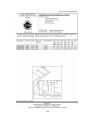
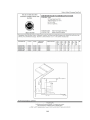
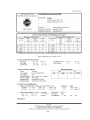
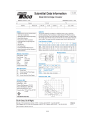
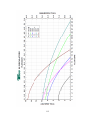
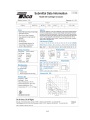
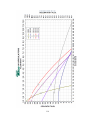
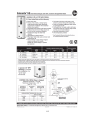
manufactured in the United States must be rated and documented by the SRCC.
20