1
Appendix E
Appendix E
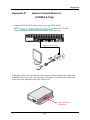
How to Connect POS
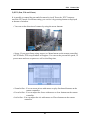
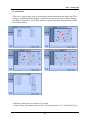
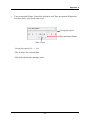
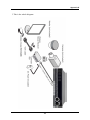
1. Connect the USB between POS and DVR.
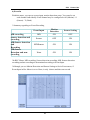
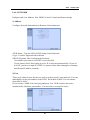
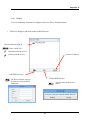
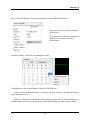
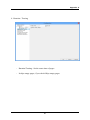
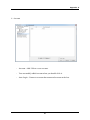
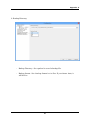
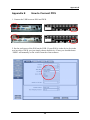
2. Set the preference of the POS on the DVR. If your POS is in the device list in the
text in setup of DVR, you just simply choose that device. If not, you should choose
‘USER’ and manually set the values from the client software
102