1
LX Navigation d.o.o.
LX Zeus
September 11th 2012
6 Remote control
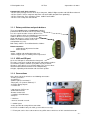
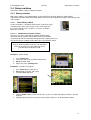
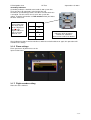
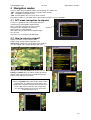
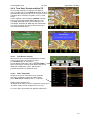
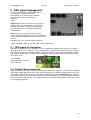
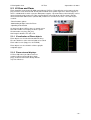
LX Zeus can be also operated by remote
control stick. The stick is standard LX Navigation
product which differs from sticks used by
LX 7000/7007 series only in labelling.
Therefore is upgrade of existing stick very easy.
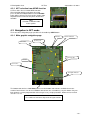
Remote stick should be connected to one
485 plug, no special initialization is necessary.
6.1 Remote in second seat
Remote stick for second seat is the same as for the first seat (no different firmware as by LX
7000/7007). The unit should be connected to second seat unit 485 bus.
7 Second seat unit
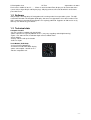
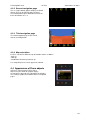
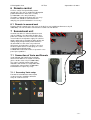
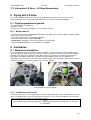
Second seat device is connected to the master
unit via CAN bus, the connection includes also
power for second seat. This means that second
seat unit doesn’t need power supply. An external
toggle switch makes possible to switch off the unit
during single pilot operation period. Otherwise
all commands are the same as by main unit.
GPS inputs are inoperative, so there is no sense
to connect GPS sources to that plugs, the same
is valid for Flarm display plugs.
LX Zeus 4.3 can be also used as a repeater in case
panel space problems.
7.1 Connection of Vario and Remote
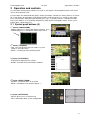
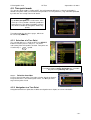
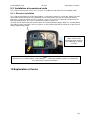
Vario indicator (not USB D unit) should be
connected to 485 bus of second seat device
(this is not the same as by LX 700077007).
The same is valid for remote. Both vario
indicators and remotes are compatible with
existing units connected to LX 7000/7007.
Remote doesn’t require any setup.
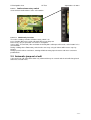
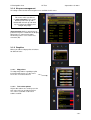
7.1.1 Secondary Vario setup
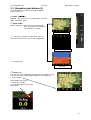
Function of vario indicator connected to
second seat unit, should be defined in
Setup of second seat unit.
- 37 -