1
HOME VISITATION
Module:
Screen:
Implementation
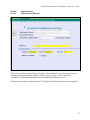
Individual Enrollment
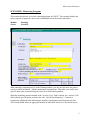
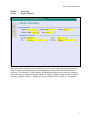
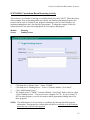
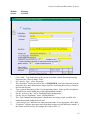
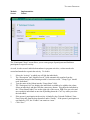
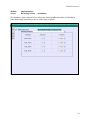
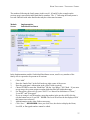
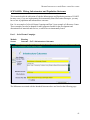
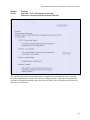
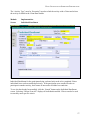
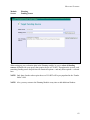
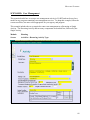
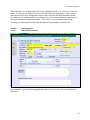
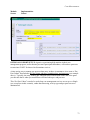
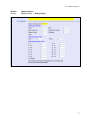
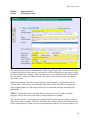
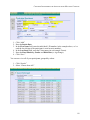
In the Implementation module’s Individual Enrollment screen, enroll every member of the
family who is expected to be present at all sessions:
1.
2.
3.
4.
5.
6.
7.
8.
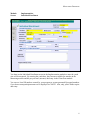
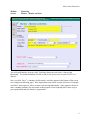
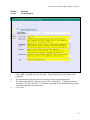
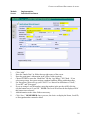
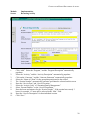
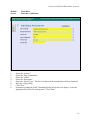
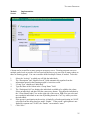
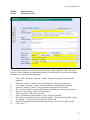
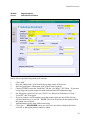
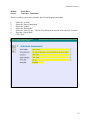
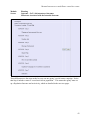
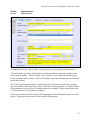
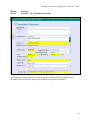
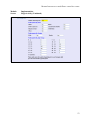
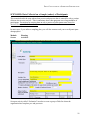
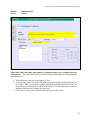
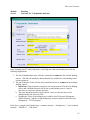
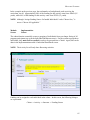
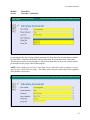
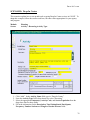
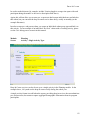
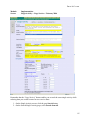
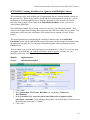
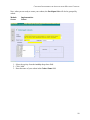
Click “Add.”
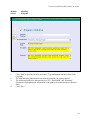
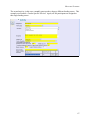
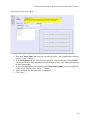
Enter the “Intake Date” in the field at the top right corner of the screen.
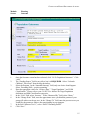
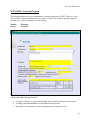
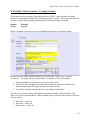
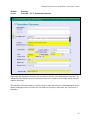
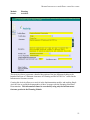
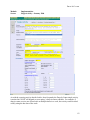
Enter the participant’s information in the yellow fields (required).
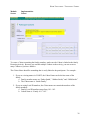
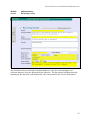
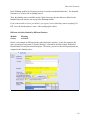
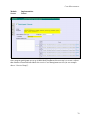
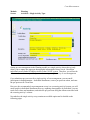
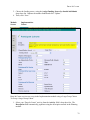
Choose EITHER to enter the “Birth Date” OR the “Age Range,” NOT both. If you enter
an age range, the system assigns a random birth date that falls within that range.
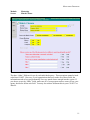
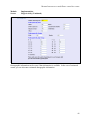
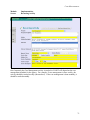
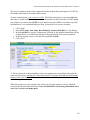
For Encryption, please refer to your CO KIT User Manual for definitions of “None,”
“Local ID,” and “Encrypted.”
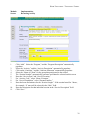
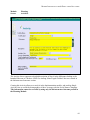
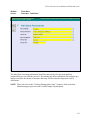
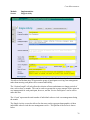
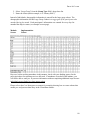
If you are using a Local ID number, enter that number in the text box AND click the
circular button next to “Local ID.” NOTE: The Local ID will not be the displayed ID if
this button is not selected!
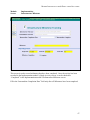
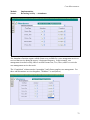
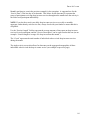
Add information to the white fields as necessary.
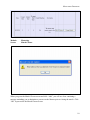
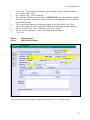
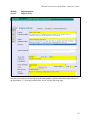
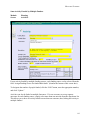
Click “Save.” REMEMBER: Once you click Save, the choice to display the Name,
Local ID, or Encrypted number cannot be edited.
30